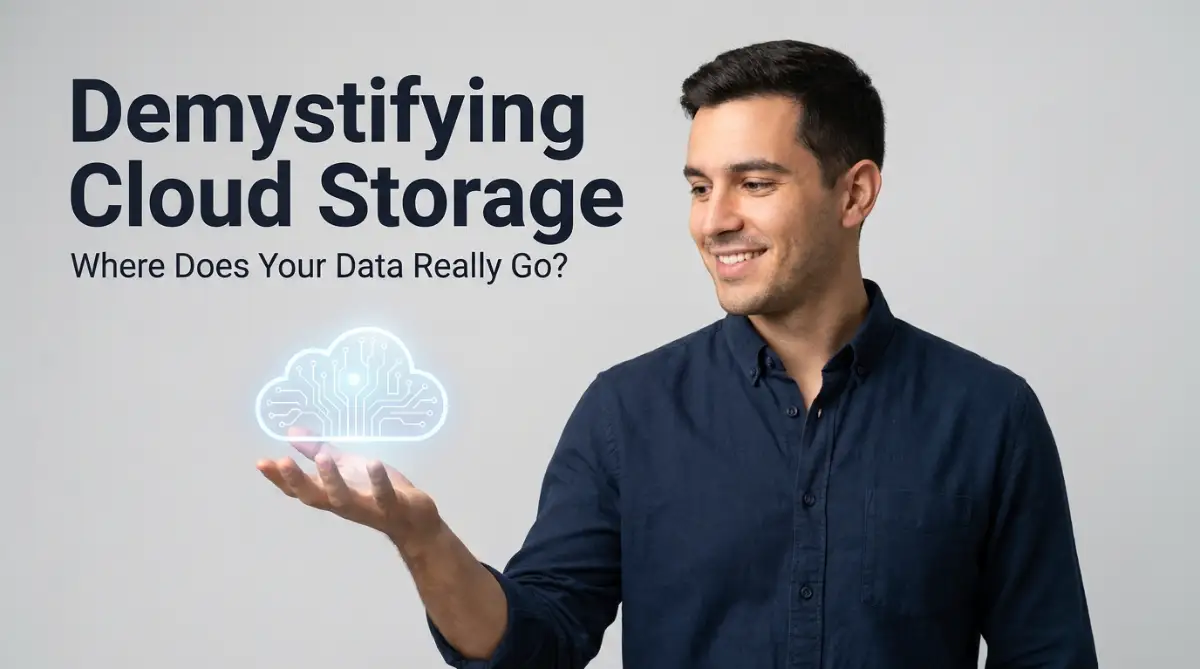
The Day My Digital Life Almost Disappeared
"I used to think the 'cloud' was just some invisible magic trick until my laptop suddenly died. In that second, my wedding photos and years of work felt like they were trapped in another dimension. It turns out, your digital life isn't actually floating in the sky—it’s sitting inside a very real, very heavy building somewhere. Let’s talk about where your stuff actually goes when you hit 'save' and how you can make sure it stays safe forever."
I felt a cold shiver down my spine. I kept asking myself, "Is it really up there?" "Where is 'there' anyway?" I realized I had no idea where my most precious memories actually were.
It felt like I had handed my life’s work to a ghost. I didn't know if it was in the sky, in a satellite, or just gone. That moment of panic changed how I look at technology forever.
Most of us use the cloud every single day without thinking. We click "save" or "sync" and assume it just happens. But not knowing the reality can be very stressful.
If you have ever felt confused by where your files go, you are not alone. It is a common struggle that many people face in our digital age. We are told the cloud is "everywhere," but that doesn't help when you need to feel secure.
"The 'Too Long; Didn't Read' Summary
If you’re in a rush, here are the 4 things you need to know about your data:
- The Cloud is Physical: Your files live in massive, high-security buildings, not the sky.
- Sync ≠ Backup: Deleting a file on your phone might delete it from the cloud too. Check your settings!
- Location Matters: The closer you are to a data center, the faster your files will load.
- Safety First: Always turn on Two-Factor Authentication (2FA) to keep hackers out of your 'digital warehouse.'"
The Invisible Warehouse: What the Cloud
The "cloud" is a fancy name for someone else's computer. It is not a magical mist in the sky. When you save a photo to the cloud, it travels through wires to a physical building.
These buildings are called data centers. I like to think of them as giant, high-tech warehouses. Inside, there are thousands of powerful computers called servers.
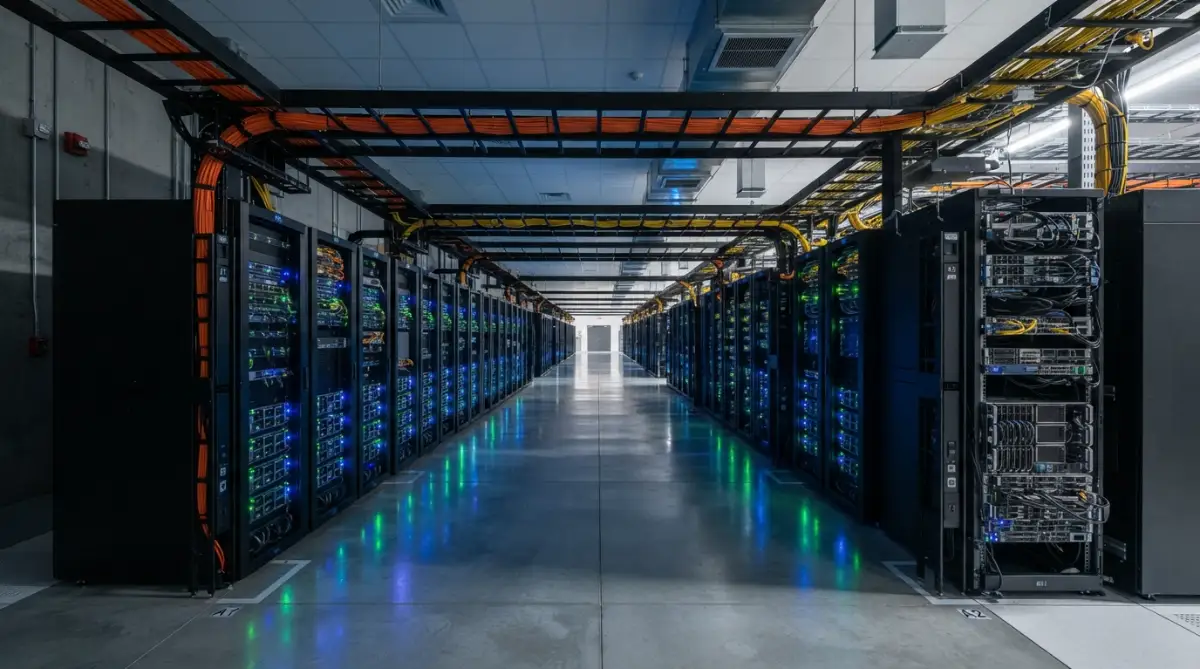
These servers are stacked on top of each other in rows. They run 24 hours a day, 7 days a week. They are the real, physical home for your cat videos and work documents.
How Your Data Travels to Its New Home
When you click "upload," your file is broken into tiny pieces. These pieces are called packets. They travel through your Wi-Fi, into fiber-optic cables under the ground, and sometimes even across oceans.
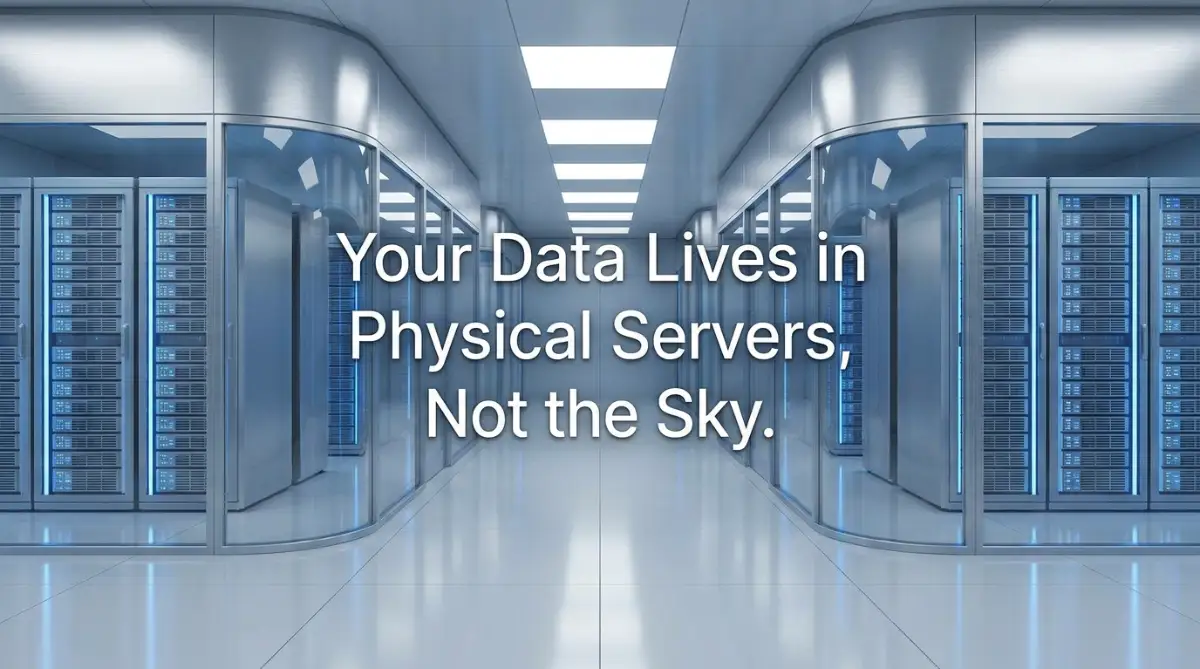
They move at the speed of light. Eventually, they reach the data center. Once there, the pieces are put back together and saved on a hard drive.
This hard drive is just like the one in your laptop, but much bigger and faster. It stays there until you ask to see your file again. Then, the process happens in reverse.
Why Data Centers are Like Fortresses
You might wonder why we don't just keep everything on our own phones. The reason is safety and space. Data centers are built like forts.
They have thick walls, heavy security, and constant cooling. Computers get very hot, so these buildings have giant fans to keep things chilly.
They also have backup power. If a whole city loses electricity, the data center keeps running. This is why you can still see your photos even if your own house has a power outage.
The Secret of Redundancy: Why Your Data Never Dies
One thing I learned the hard way is that hardware can fail. My old laptop proved that. But in the cloud, your data is usually saved in more than one place.
This is called redundancy. If one server breaks, another server has a copy of your file. Sometimes, a copy is kept in a different city or even a different country.
This makes it almost impossible to lose your data. It is like having three different safes in three different banks. If one bank burns down, your gold is still safe in the other two.
Pro Tip: I used to think that "syncing" and "backing up" were the same thing. I was wrong! If you delete a photo on your phone and it’s synced, it might disappear from the cloud too. Always check if your service is a mirror (sync) or a vault (backup). This small realization saved me from losing my work files last year!
Seeing the Physical World of Data
It is one thing to read about servers, but it is another thing to see them. Seeing the miles of cables and the flashing lights makes the "cloud" feel much more real.
Watch this fascinating look inside a real-world data center to see where the magic happens.
How Your Data Stays Private in a Shared Space
You might feel weird knowing your files are on a computer owned by a big company. It feels like sharing a giant apartment building with millions of strangers.
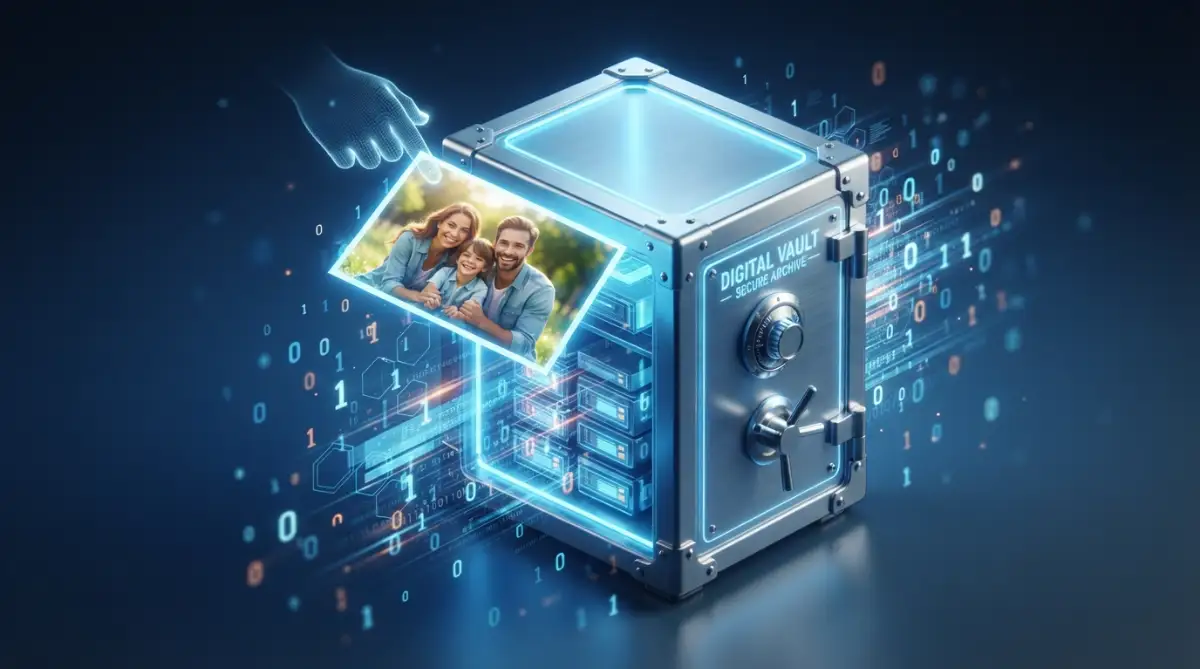
But cloud companies use a process called encryption. Think of this like putting your file in a locked box before you send it away.
Only you have the key to that box. Even the people who work at the data center cannot see what is inside. They see the box, but they don't see your photos.
The Speed Factor: Why Some Clouds Feel Faster
Have you noticed that some apps load instantly, while others take time? This is often about distance. The closer you are to a data center, the faster your data arrives.
Big companies have data centers all over the world. They try to keep your data as close to you as possible. If you live in New York, your data is likely in a building nearby, not in Singapore.
This reduces the "lag" or waiting time. It is like ordering pizza from the shop down the street instead of from another state. The data still has to travel, but the trip is shorter.
Choosing the Right Digital Home
"My Personal Rule for Picking a Provider
I tell my friends to follow the 'Purpose Test' before signing up:
- For Photos: Go with Google Photos or iCloud (They handle small images best).
- For Work Files: Dropbox or OneDrive are usually better for organizing folders.
- For Extreme Privacy: Look into services like Proton Drive or NordLocker.
- The Golden Rule: If the service is free and you aren't paying with money, you are likely paying with your privacy. If your data is sensitive, spend the $2 a month for a paid plan."
Not all cloud storages are created equal. Some focus on being very cheap, while others focus on being very fast. Some are great for photos, and others are better for documents.
When you choose a service, you are choosing a landlord for your digital life. You want someone who is reliable and has good security.
I always tell my friends to look at how a company makes its money. If the service is free, they might be using your data for ads. If you pay a small fee, your privacy is usually better protected.
The Environmental Cost of Our Digital Habits
Since the cloud is a physical building, it uses real electricity. Thousands of servers running all day need a lot of power.
This is something many of us don't think about. Every email we save and every photo we store has a tiny carbon footprint.
Many big tech companies are now trying to use green energy. They build data centers near wind farms or use solar power. It makes me feel better knowing my data is "green."
Understanding Different Types of Clouds
There isn't just one "cloud." There are actually three main types that we use. Knowing the difference helps you understand where your stuff lives.
First, there is the Public Cloud. This is what most of us use, like Google Drive or iCloud. It is like a public bus—everyone uses the same system, but you have your own seat.
Second, there is the Private Cloud. This is used by big businesses. It is like having a private car that only one company can drive. It is very secure but very expensive.
Third, there is the Hybrid Cloud. This is a mix of both. Some stuff is kept private, and some is kept in the public space. It is like having a car but taking the bus for long trips.
Myths vs. Reality: Clearing the Air
Many people think the cloud is literally in the atmosphere. I once met someone who thought their data was stored in satellites orbiting the earth!
While some data does go to space, 99% of it stays on the ground. It lives in cables under our feet and in buildings in our cities.
"Quick Reality Check: Cloud Myths Busted
Another myth is that the cloud is infinite. It’s not. Data centers have to keep building new rooms to fit more servers. As we create more data, they have to build more warehouses.
Why You Should Still Keep a Local Copy
Even though the cloud is very safe, I always keep a "local" copy of my most important files. This means keeping them on a physical hard drive in my house.
Why? Because sometimes the internet goes down. If your internet is out, you can't reach the cloud. It’s like having a key to a safe but the bank is closed for the day.
Having a local copy gives you total peace of mind. It means you are never fully dependent on a wire under the ocean. I keep my "must-have" documents on a small USB drive in my desk drawer.
The Future of Your Digital Belongings
We are creating more data today than ever before. Every high-quality photo and 4K video takes up more space. The warehouses are getting bigger.
Technology is also changing how we store things. Scientists are even looking into storing data in DNA or inside glass blocks!
But for now, the spinning hard drives in a cold room are the kings. They are the backbone of our modern world. Without them, our smartphones would just be expensive bricks.
Staying Safe in a Connected World
The biggest risk to your data isn't a server breaking. It is usually a simple password mistake. If someone gets your password, they can "walk" into your digital home.
I always use two-factor authentication (2FA). This means even if someone has my password, they need a code from my phone to get in.
It is like having a deadbolt on your front door. It is a simple step that makes a huge difference. I feel much safer knowing my digital warehouse has an extra lock.
Making Peace with the Machine
Once I understood that the cloud was just a series of buildings and wires, I stopped being afraid. I realized it wasn't magic; it was just engineering.
Knowing that my wedding photos are sitting on a hard drive in a high-security building in Virginia makes me feel good. I can picture where they are.
They aren't lost in a digital void. They are in a safe, cool place, waiting for me to look at them again. This understanding has removed the "tech anxiety" I used to feel.
Final Thoughts on Your Digital Footprint
Your digital data is a part of who you are. It is your history, your work, and your memories. It deserves a good home.
By understanding how cloud storage works, you can make better choices. You can pick the right services and use the right security.
Don't let the "cloud" be a mystery anymore. It is a physical, real-world system built to keep your life organized. Embrace it, but understand it.
Practical Steps to Manage Your Cloud Today
- Audit Your Storage: Go through your cloud accounts and see what you are actually storing.
- Check Your Security: Turn on 2FA for every account that holds your personal data.
- Organize Your Folders: Treat your cloud storage like a real filing cabinet.
- Backup Your Backups: Keep one physical copy of your most important files at home.
- Review Your Subscriptions: Don't pay for space you aren't using.
Your data is important. Now that you know where it lives, you can take care of it properly. The cloud is no longer a mystery—it’s just a very useful tool for your modern life.
Mastering Your Digital Vault: Pro Strategies for Long-Term Safety
Now that we know your data lives in giant warehouses, let's talk about how to manage it like a pro. Most people just hit "upload" and forget about it.
But if you want your digital life to last for decades, you need a better plan. Think of your cloud storage like a library.
If you just throw books on the floor, you will never find what you need. Even worse, the books might get ruined over time.
One of the best secrets I have learned is to use "Cold Storage" for things you don't look at often. Most big providers have different levels of storage.
"Hot storage" is for files you need every day, like work projects. "Cold storage" is for things like old high school photos or tax returns from five years ago.
Cold storage is much cheaper. It is like putting your old furniture in a storage unit instead of keeping it in your living room.
This helps you save money and keeps your main digital space clean. For those managing websites, how to move your website to a new server without losing data is a great example of moving data carefully between these spaces.
The Power of Knowing Your Data’s Home Address
Did you know you can often choose where your data lives? When you set up a cloud account, look for "Region" settings.
Choosing a region close to your physical home makes everything faster. It reduces the time it takes for a file to travel from the warehouse to your screen.
Also, different countries have different laws about privacy. Some places have very strict rules that protect you.
According to research on data sovereignty by the Cloud Security Alliance, knowing the physical location of your server helps you stay in control of your legal rights.
If you are worried about your site staying online, you might want to learn why your website keeps going down and exactly how to fix it. Both topics are about keeping your digital assets stable and reachable.
Why Versioning is Your Digital Time Machine
Have you ever accidentally deleted a whole paragraph in a document and then hit "Save"? It’s a terrible feeling.
Most pro-level cloud services offer something called "Versioning." This means the server saves multiple copies of your file over time.
If you mess up the current version, you can just go back to the version from yesterday. It is like having a real-life undo button for your entire life.
I use this all the time for my creative projects. It gives me the freedom to take risks because I know I can always go back.
This is very similar to how people manage complex systems. For example, if you are planning a solar upgrade never make these electrical panel mistakes, you always want a backup plan in case the main one fails.
The Secret of Data Scrubbing
Data centers do something called "Data Scrubbing" to keep your files healthy. Over time, digital bits can sometimes "flip" or get corrupted.
The servers are constantly checking your files to make sure they are perfect. If they find a small error, they automatically fix it using a backup copy.
This happens behind the scenes while you are sleeping. It is one of the reasons why the cloud is often safer than a thumb drive in your pocket.
Physical drives can degrade, but cloud servers are built to heal themselves. Understanding these background processes helps you trust the technology more.
If you want to keep your other tech gadgets healthy too, check out these easy habits for a longer battery life. Taking care of your hardware is just as important as taking care of your data.

The Hidden Traps That Could Cost You Your Memories
We often think the cloud is perfect, but humans make mistakes. One of the biggest errors I see is people relying on a single provider.
Imagine if that company has a massive legal problem or a technical failure. You could lose access to your life’s work in a second.
I call this the "Single Point of Failure" trap. It is much safer to spread your most important files across two different services.
It might seem like extra work, but it is the only way to be 100% safe. This is just like how to make your hybrid engine last by following different maintenance steps.
Consistency and variety are the keys to keeping anything running for a long time.
The Danger of Ignoring Your Sync Settings
Another massive mistake is not understanding how "Sync" works. Many people think that if they delete a photo from their phone, it will stay in the cloud.
In many cases, this is not true! If your phone and the cloud are "Synced," they copy each other exactly.
If you delete it on your phone, the cloud thinks you don't want it anymore and deletes it there too. I have seen friends lose years of baby photos because of this one mistake.
Always check if your cloud is acting as a "Mirror" or a "Vault." A mirror reflects what you do, while a vault keeps things safe regardless of what happens on your phone.
To avoid other types of technical stress, you should also look at why unlimited bandwidth is the biggest lie in web hosting. Understanding these "lies" or "myths" keeps you from getting frustrated.
Forgetting About Your Digital Legacy
What happens to your cloud data when you are no longer here? Most of us never think about this.
If you don't set up a "Legacy Contact," your files might be locked away forever. Your family might never be able to see those videos of you.
Many services now let you choose a person who can access your account after a long period of inactivity. It is a bit sad to think about, but it is a responsible thing to do.
Think of it like a digital will. You are making sure your digital treasures go to the right people.
This is as important as knowing your legal rights during a company layoff. You always need to be prepared for the future, no matter what it holds.
The Cost of Free Storage
We all love free things. But "free" cloud storage often comes with a hidden price.
Some companies might use your data to train their systems or show you more ads. They might also have weaker security than paid services.
If you are storing something very private, it is usually better to pay a few dollars a month. This gives you a service agreement that protects your privacy.
When you pay, you are the customer. When you use it for free, you might be the product.
This is a lesson many people learn too late, much like the hidden financial trap that destroys startups. Being aware of the "real cost" helps you stay safe.
Keeping Your Digital Future Bright and Secure
Taking control of your data is a wonderful feeling. It moves you from being a confused user to a smart digital owner.
You don't need to be a computer scientist to do this well. You just need to spend a few minutes every month checking your settings and organizing your folders.
The cloud is a gift that allows us to keep more memories than any generation before us. We just have to treat those memories with the respect they deserve.
I hope this guide has helped you see the "invisible" world of data centers. It’s not just magic; it’s a physical home for your digital life.
By following these simple steps, you can make sure your data is safe, reachable, and ready for you whenever you need it.
I want you to feel confident every time you hit that "Save" button. Your digital life is a story, and you are the one who gets to decide how it is stored and protected.
I truly believe that a little bit of knowledge can remove a lot of fear. I started my journey with a crashed hard drive, but today I sleep soundly knowing exactly where my files live. My hope is that you will take one small step today to secure your own digital world!
Common Questions About the Physical Side of Cloud Storage
Can a fire in a data center destroy my files?
Yes, it is possible, but very unlikely to happen to your data. Data centers have advanced fire-stopping systems that use gas instead of water to protect the machines. More importantly, your files are usually copied to a second building in a different city for safety.
Do I need a high-speed internet connection for the cloud?
While you can use the cloud with slow internet, a faster connection makes a big difference for large files. If your internet is slow, you might experience delays, which is similar to how to survive dns propagation delays.
Is my data actually sitting on a physical spinning disk?
Most modern cloud storage uses "Solid State Drives" (SSD) for fast access and "Hard Disk Drives" (HDD) for long-term storage. According to drive reliability reports from Backblaze, these physical disks are replaced every few years to prevent data loss.
Can the government see my files in the cloud?
It depends on the laws of the country where the server is located and the company's privacy policy. Most reputable providers use encryption so that even they cannot read your files without your key.
Disclaimer: This article is for informational purposes only. While we strive to provide accurate information about digital storage and data centers, technology and privacy laws change frequently. Always read the terms of service of your specific cloud provider to understand your rights and the security of your data. We are not responsible for any data loss resulting from the use of cloud services.