
The Frustrating Wait: My First Experience with a Broken Website
Ever clicked 'save' on your new website host, typed in your URL, and got hit with a terrifying "Site Not Found" error? Yep, I have been there too. You probably think you just broke your entire online business, but take a deep breath. Let me show you exactly why this annoying delay happens and how you can fix it right now without losing your mind.
I made the change, hit save, and eagerly typed my domain name into the browser. Nothing happened.
Instead of my beautiful new homepage, I was staring at a terrifying "Site Not Found" error page. Panic instantly washed over me. I thought I had broken my entire business.
I started refreshing the page every ten seconds. I tried using a different browser, and then I even begged my friend in another city to check it on his phone. The weirdest part? My friend could see the new website perfectly fine, but I was still locked out.
It felt like a cruel joke. I was completely helpless, sitting in front of my screen, wondering if I had made a massive technical mistake. That was my first harsh introduction to the hidden world of internet waiting games.
What You Will Learn In This Guide (Key Takeaways):
- Why your website looks broken after moving to a new host (and why it is totally normal).
- How your internet provider hides your new website using outdated memory.
- Two proven tricks to force your computer to show the updated website immediately.
- How to prepare your domain settings ahead of time to avoid downtime completely.
Why Does Waiting Feel So Painful?
You find yourself repeatedly clearing your browser history, hoping that the next click will bring your site to life. This invisible barrier is incredibly frustrating for beginners. You feel completely out of control because there is no loading bar telling you when the wait will end.
The uncertainty is what really hurts the most. Nobody likes staring at a blank screen while worrying about their digital identity floating somewhere in the internet void.
Peeling Back the Curtain: What Is Actually Happening Behind the Scenes?
To stop the panic, we first need to understand the simple mechanics of the internet. Think of the internet as a massive, global network of roads connecting billions of houses.
Every single website lives in a house, and every house has a specific numerical address. These numbers are called IP addresses.
However, human beings are terrible at remembering long strings of numbers. You probably do not know the exact IP address for your favorite social media platform.
That is exactly why the Domain Name System was invented. It acts just like a massive digital phonebook. When you type a name like yourwebsite.com into your browser, the system quickly looks up the exact number required to find your server's house.
The Big Move: Why Changing Hosts Causes a Delay
When you change your web hosting company, you are essentially moving your website to a brand-new house. Your digital home now has a completely different IP address.
You update your domain settings to point to this new address. This is similar to filling out a change-of-address form at your local post office.
The problem is that the internet does not have just one central phonebook. There are millions of different phonebooks scattered all across the globe. Every internet service provider keeps their own copy.
The Real Reason Behind the Long Wait
So, why does it take so much time for your site to show up? It all comes down to a process of global communication.
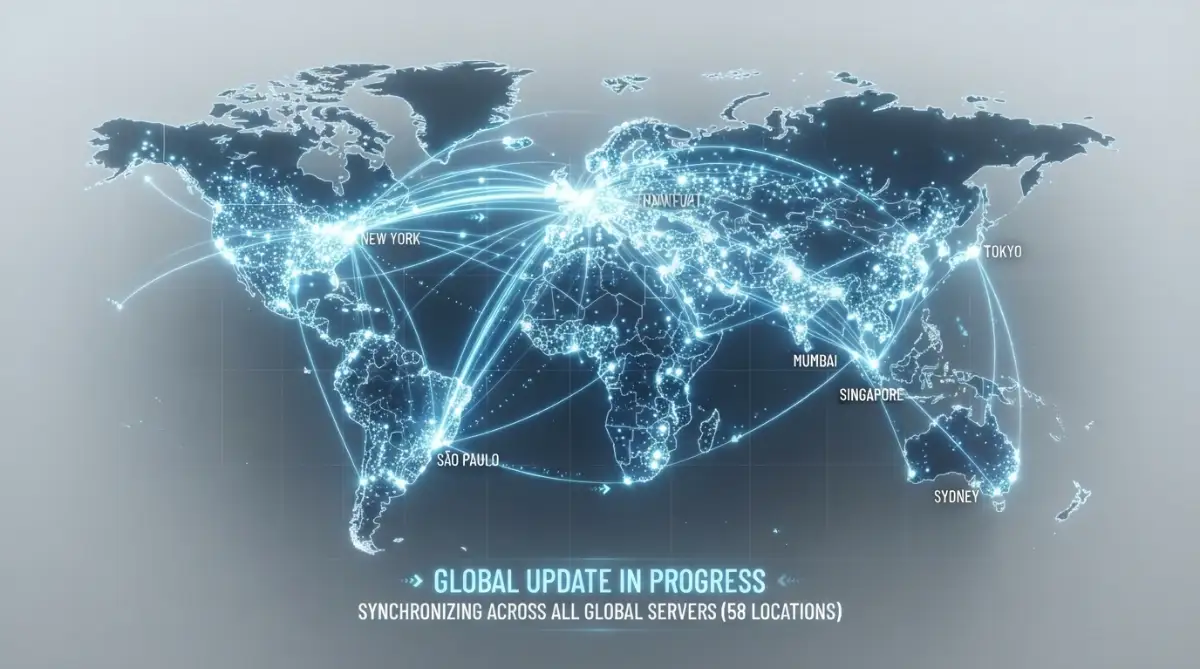
When you make a change, you are only updating the master record. Now, that master record has to shout the new information to every single internet provider in the world.
These providers are very lazy. They do not constantly check the master record for updates every single second. That would take way too much computing power.
Instead, they save a temporary copy of your address in their local memory. This saving process is known as caching. They will keep sending visitors to your old address until their saved memory finally expires.
Quick Myth vs. Fact:
- The Myth: Your new web hosting company is messing up your migration and holding your site hostage.
- The Fact: Your local internet provider (like Comcast, AT&T, or your local Wi-Fi company) is just being lazy. They are showing you an old, saved version of your site to save their own bandwidth.
This is the exact reason why your friend in another city might see the new website before you do. Their internet provider simply updated its local phonebook faster than yours did.
Understanding the Expiration Date on Your Data
You might be wondering who decides when these local providers update their saved records. This is controlled by something called a TTL value.
TTL stands for Time to Live. You can think of it as an expiration date stamped on a carton of milk.
When a local internet provider saves your website's address, they look at the TTL value. If the value is set to 24 hours, the provider will not bother looking for a new address until those 24 hours have completely passed.
This means that even if you move your website to a new server instantly, many people around the world will still be directed to the old server. Their local networks are stubbornly holding onto the expired information.
Pro Tip on Managing Your Mindset During the Wait:
When I first started building websites, I would literally lose sleep checking my phone every five minutes to see if the update worked. My biggest realization was that I could not force the global internet to move any faster. I finally learned to make my server changes late at night, go to bed, and let the global network do its heavy lifting while I rested.
Watch This Quick Explanation to Make Things Clearer
If you are a visual learner, sometimes seeing a concept explained on a whiteboard makes all the difference in the world. Check out this fantastic, easy-to-understand breakdown of how internet records travel across the globe.
The Myth and Reality of the 48-Hour Rule
If you read any standard hosting manual, you will see a scary warning. It usually states that updates can take up to 48 hours to complete everywhere.
This number is enough to make any business owner panic. However, you should know that this is essentially a worst-case scenario.
In reality, the internet has become much faster over the last few years. Most standard updates will actually finish spreading within just a few hours.
The 48-hour warning is just a safety blanket used by hosting support teams. It gives them a polite way to ask you to wait patiently before opening a support ticket.
Actionable Steps: What You Can Do Right Now
While you cannot physically speed up the entire global network, there are a few practical steps you can take. These steps will at least help you see the new website on your own computer faster.
The first thing you need to do is force your own devices to forget the old address. Your computer and your web browser are also guilty of saving expired information.
Start by completely clearing your web browser's history and saved images. This simple step often solves the problem instantly for many beginners.
If clearing the browser does not work, you can try opening an incognito or private browsing window. These private windows do not rely on previously saved history, giving you a fresh look at the internet.
The Secret Trick of Restarting Your Connection
Sometimes the stubborn expired record is hiding inside your home internet router. Your router tries to be helpful by memorizing websites you visit frequently.
A very simple but highly effective trick is to simply turn off your home router. Unplug it from the wall, wait about a minute, and then plug it back in.
My Personal Shortcut: If you do not want to walk over and unplug your house router, you can force your computer to forget the old address directly. Just open your computer's command terminal. If you use Windows, type ipconfig /flushdns and hit enter. If you are on a Mac, open Terminal and type sudo dscacheutil -flushcache. I use this trick all the time to bypass the waiting game instantly
This forces your home network to establish a completely fresh connection with your internet provider. Often, this quick restart will force your network to fetch the newest address for your website.
You can also temporarily turn off the Wi-Fi on your mobile phone. Switch to your cellular mobile data and try loading the website again. Mobile networks often update their records at different times than home broadband networks.
How to Track the Global Update Process
Instead of guessing whether the process is finished, you can actually watch it happen in real time. There are free tools available online that act as global network scanners.
These tools will ping your website from dozens of different countries simultaneously. They will show you exactly which cities are seeing your old server and which ones are seeing the new one.
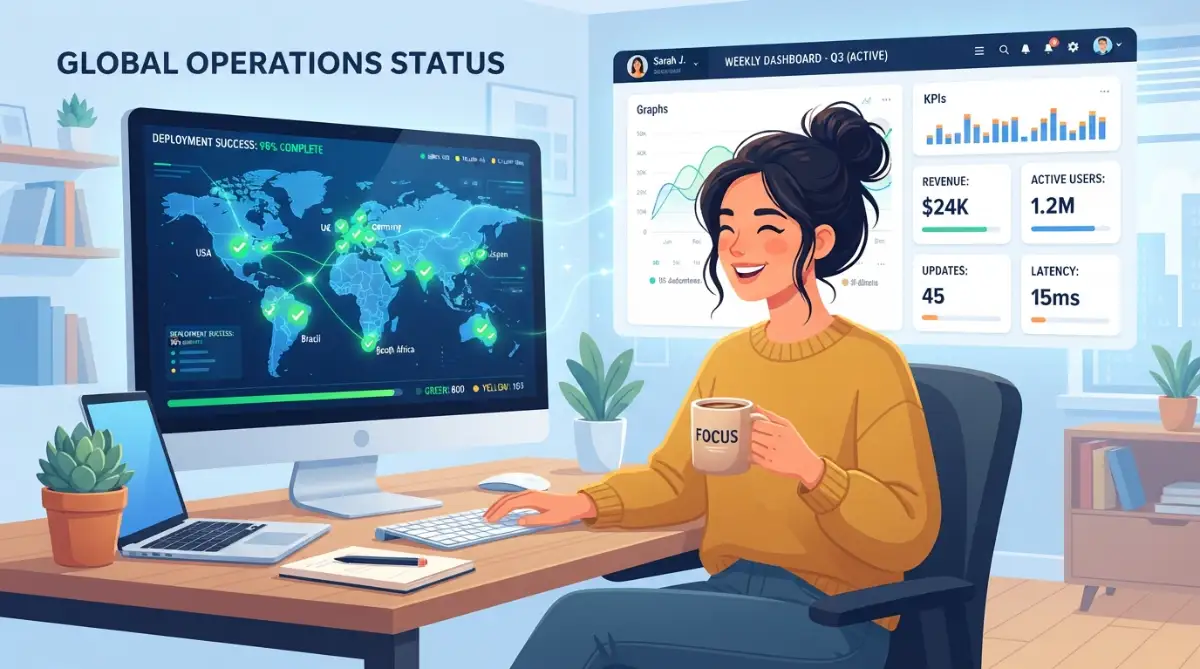
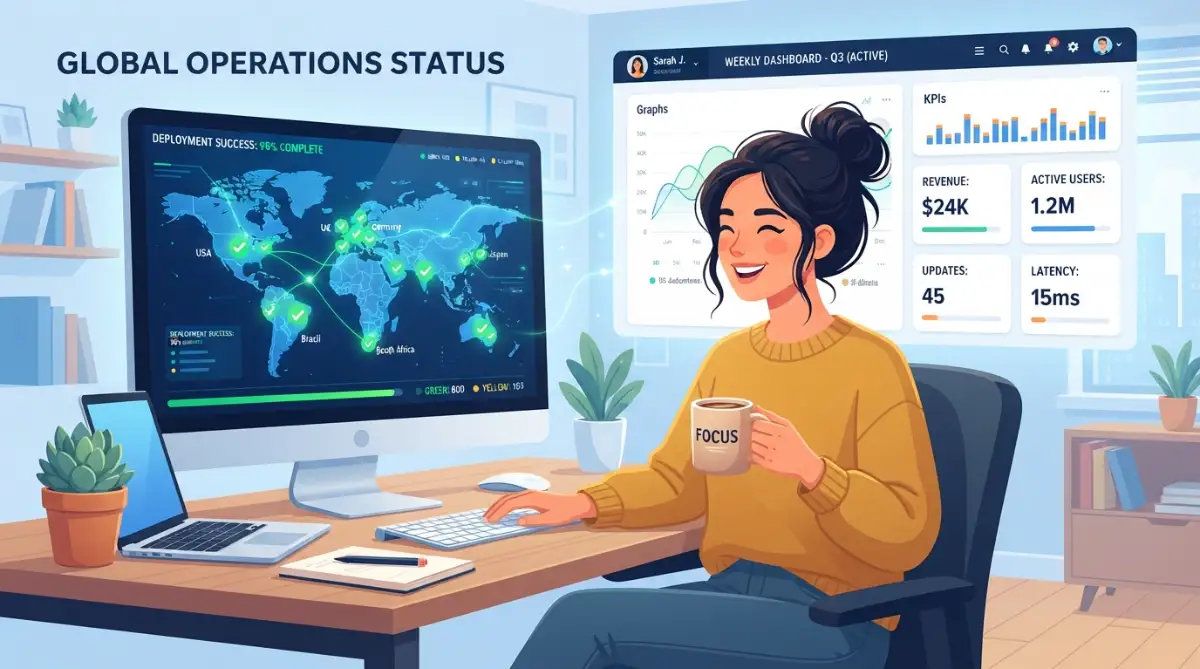
When you use a tracking tool, you will typically see a large map or a list with green checkmarks and red crosses. A green checkmark means that specific part of the world has successfully received your new address.
Watching the map slowly turn green is actually incredibly satisfying. It gives you peace of mind knowing that the technical process is working exactly as it should.
Planning Ahead for Future Server Moves
Once you survive this waiting game, you can be smarter about your next big technical move. The secret to a stress-free migration starts days before you actually move anything.
Remember the TTL expiration date we discussed earlier? You actually have the power to change that number in your domain settings.
If you know you are going to change hosting companies next week, you can log in and lower the TTL value today. You can set it to a very short time, like 300 seconds.
By making this change early, you are telling the global network to stop saving your address for long periods. When moving day finally arrives, the global internet will only hold onto your old address for about five minutes.
Managing The Transition Smoothly
When you move to a new house, you do not instantly burn down the old one. The same logic applies to your digital home.
You should always keep your old web hosting account active for at least a few days after making the change. This prevents a catastrophic situation where some visitors see a broken error page.
During the waiting period, visitors with old saved records will still be directed to your old server. Visitors with updated records will land on your new server.
As long as both servers are running identical copies of your website, your visitors will never even know a move is happening. The transition will be completely seamless to the outside world.
The Reality of Modern Internet Infrastructure
The internet is a wild, massive, and sometimes messy place. Millions of networks are trying to talk to each other every single second.
Understanding how these networks communicate removes the fear from the equation. You no longer have to stare at an error page feeling helpless and confused.
You now know that the delay is not a sign of failure. It is simply the natural rhythm of a massive global system updating itself.
The next time you make a major domain change, you can confidently close your laptop. Go grab a cup of coffee, take a relaxing walk, and let the network do its job behind the scenes.
A Quick Summary Comparison
Sometimes it helps to look at the situation clearly side-by-side. Here is a simple way to look at how different networks handle your website during an update.
By keeping these simple facts in mind, you can easily troubleshoot why some of your customers can see your site while others cannot. It all depends entirely on the specific connection they are using at that exact moment.
Patience is the only real requirement when dealing with internet infrastructure. Armed with this knowledge, you are now fully prepared to handle any future domain updates without breaking a sweat.
Master-Level Tactics to Outsmart the Waiting Game
While you cannot force the entire global network to bend to your will, you can definitely use some insider tricks. Advanced webmasters rarely sit around staring at a blank screen during a server migration. They use specific technical shortcuts to bypass the local blockades.
One of my absolute favorite tricks involves something called a local hosts file. Every single computer, whether it is a Mac or a Windows machine, has this hidden VIP guest list buried in its system settings.
Normally, your computer asks your internet provider for a website's location. However, your computer will always check its own local hosts file before asking anyone else.
By safely editing this simple text file, you can manually type in your new server's address. You are essentially whispering the new location directly into your computer's ear, completely bypassing the global delay.
This means you can instantly log into your new website, test your designs, and fix broken links while the rest of the world is still waiting. Just remember to remove that secret note once the global update finishes!
The Magic of Public Network Flushing
If editing system files sounds a bit too intimidating, there is another powerful route you can take. You can actually ask the biggest internet traffic directors to manually forget your old website address.
Massive tech companies handle a huge percentage of daily internet traffic around the globe. Many internet service providers rely on these giant public directories instead of building their own.
You can visit specific developer portals to manually clear these massive digital roadblocks. For example, you can use specialized tools for clearing the Google Public DNS cache to force their massive network to fetch your newest server details instantly.
By doing this, you are significantly speeding up the process for thousands of potential visitors. It sends a strong signal across the network that your digital address has officially moved.
Leveraging the Power of a Proxy Shield
Another brilliant strategy for managing these technical transitions involves using a proxy network. A proxy acts like a middleman or a massive shield sitting right in front of your website server.
When you use a major content delivery system, you point your domain to their network permanently. From that point on, you manage all your server changes from inside their specialized dashboard.
Because these proxy networks are incredibly powerful, they can route traffic instantly. If you want to learn more about this level of routing, you can read about how enterprise content delivery networks manage traffic on a global scale.
When you migrate a site using a proxy shield, the public address never actually changes. You simply change the hidden destination in the background, making the transition completely invisible to your daily visitors.
Keeping Your Mind Focused During the Shift
Learning these advanced network routing methods might feel slightly overwhelming at first. It takes a little bit of practice to understand the mechanics of the digital world completely.
Understanding internet infrastructure is a lot like learning how mortgage rates work—it seems terrifying until someone breaks it down simply.
When I first tried to mask my server IP, I felt like a hacker trying to break into a bank. But once you understand the basic mechanics, you realize it is just simple digital paperwork.
The goal here is not to become a network engineer overnight. The goal is to figure out why your website keeps going down during these transitions and how you can take back control of the situation.

The Nightmare Scenarios: Costly Errors You Must Avoid
Even with the best tools available, human error is still the biggest threat during a website migration. When people panic, they make emotional decisions that completely break their online businesses.
I have seen countless beginners destroy a perfectly good server move simply because they could not handle the suspense. They let their anxiety dictate their technical actions, which always leads to disaster.
If you want to protect your digital assets, you must absolutely avoid these highly common and destructive pitfalls.
The Panic-Induced "Yo-Yo" Mistake
The single worst thing you can do during a waiting period is change your mind halfway through the process. Imagine you update your nameservers, wait two hours, and still see an error page.
In a moment of sheer panic, you decide to change the settings back to your old hosting provider. This is the absolute biggest mistake a beginner can make.
When you reverse your settings, you are completely resetting the global countdown timer. You are essentially sending a brand-new set of conflicting instructions to thousands of global routers.
This creates a massive digital traffic jam. Some routers will follow the first instruction, while others will follow your panicked second instruction. Your website will be completely shattered across the internet for days.
You need to stop multitasking and focus entirely on being patient with your initial configuration.
The Silent Killer: Forgetting Your Business Email
Moving your website files is only one half of the digital equation. Many business owners completely forget that their domain name also controls their professional email routing.
When you point your domain to a new server, your incoming emails will automatically try to go there too. If you did not set up your email records at the new location, every single customer message will bounce back.
This specific oversight is a hidden financial trap that destroys many new digital businesses almost overnight.
Imagine missing out on thousands of dollars in sales simply because your contact form messages were being thrown into a digital black hole. Always ensure your Mail Exchanger records are perfectly configured on the new server before you ever flip the switch.
For a deeper understanding of how these specific records operate globally, you can check the official documentation from global domain regulatory bodies like ICANN.
The Danger of the "Split-Brain" Database
There is a very dangerous gray zone that occurs right in the middle of a global server update. During this specific window, half the world sees your old website, and the other half sees your new website.
If you run an e-commerce store, this gray zone is incredibly dangerous for your data integrity. Imagine a customer buying a product on the old server while another customer buys something on the new server.
You now have two completely different databases with conflicting sales records. Trying to merge these conflicting records later is an absolute nightmare that will cost you hours of manual labor.
To prevent this, always put your old website into a strict "Maintenance Mode" right before you start the move. This ensures that no new data can be written to the old server while the network updates.
Ignoring the Golden Rules of Preparation
Rushing into a server move without checking your current settings is a recipe for a massive headache. You cannot just click a button and hope for the best.
Just like navigating the 6-month passport rule before a major international flight, you must check your digital expiration times before a migration.
If your old server settings tell the internet to cache your data for an entire week, you are going to have a very bad time. Dealing with stubborn server caches can be exactly as frustrating as figuring out why insurance adjusters reject auto claims, but proper preparation is your best defense.
Always lower your cache times a few days in advance. This simple preparation step is the difference between a smooth transition and a week-long outage.
If you want to dive deeply into the academic math behind these routing timers, you can read through academic explanations of IP routing from top technology institutes.
Your Master Action Plan Moving Forward
We have covered a massive amount of technical ground together today. You now possess the knowledge to look behind the curtain of the internet and understand exactly how data travels.
You no longer have to be the frightened beginner staring at a "Site Not Found" error page. You know that these delays are simply a normal part of the digital ecosystem functioning exactly as designed.
By preparing your settings early, utilizing private browser windows, and keeping your old server active, you can eliminate almost all of the stress. You can confidently manage your online business without fearing the dreaded update window.
When you finally master these background mechanics, you will escape the burnout that plagues so many new webmasters.
My personal journey with website management completely changed the day I stopped fighting the global network. I learned to prepare my migrations perfectly, click the save button, and then confidently walk away from my computer knowing everything would settle naturally.
Common Questions About Domain Name Updates
Can I completely skip the waiting time?
Unfortunately, there is no magic button to instantly force every network in the world to update at once. You can speed up your own local view by flushing your computer's cache, but global visitors will still have to wait for their specific internet providers to catch up.
Will my business emails bounce during a server move?
Your emails will only bounce if you forget to copy your mail routing records to the new hosting provider. As long as the new server is configured to accept your messages before you make the switch, your emails will flow perfectly without interruption.
Does using a VPN help me see my new site faster?
Yes, using a Virtual Private Network is actually an incredibly smart way to check your new website. Because a VPN connects you to the internet through a different city or country, you can bypass your stubborn local provider and see the fresh server details.
Why does my phone load the site, but my laptop shows an error?
Your mobile phone uses a cellular data network, which typically updates its directories much faster than a standard home broadband connection. Your laptop is likely stuck using the older, saved memory stored inside your home Wi-Fi router.
Is it safe to make sales during this transition period?
It is highly recommended to pause all checkout functions on your old server during a major migration. If you leave both servers completely active, you risk splitting your customer order data into two separate databases, which is very difficult to fix later.
Disclaimer: The information provided in this article is for educational and informational purposes only. Web hosting interfaces and digital infrastructure settings vary significantly by provider. Always consult with your specific hosting support team before making major changes to your live server environment to prevent unexpected data loss.