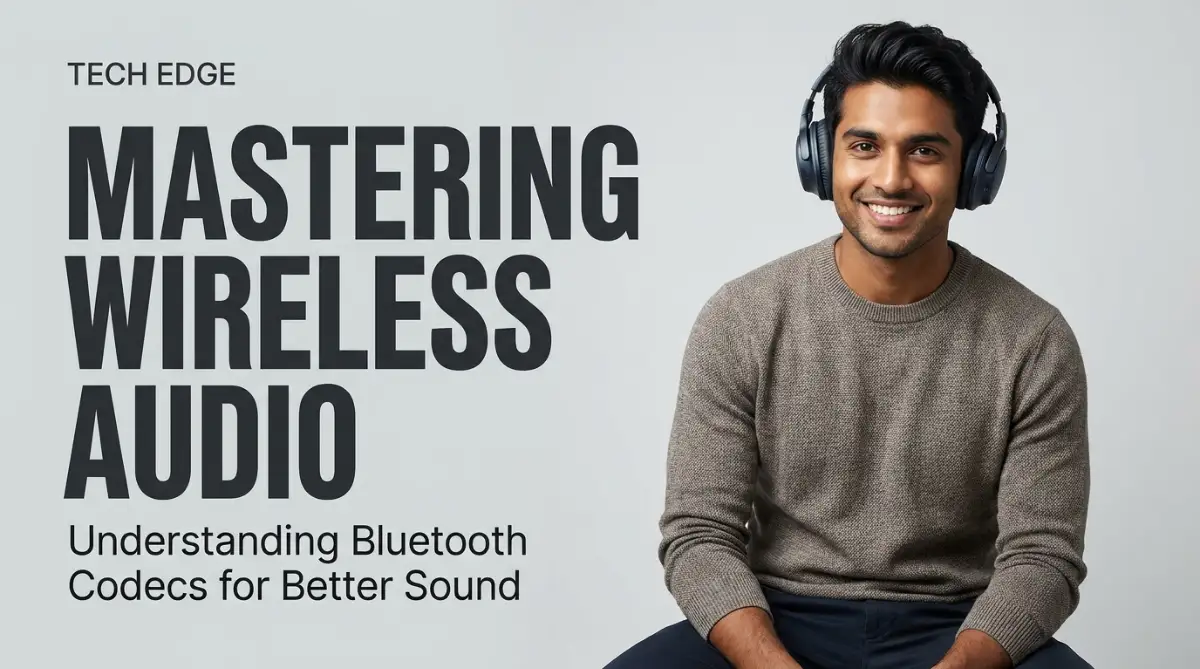
Why My Expensive Headphones Sounded Like Trash at First
You just dropped a bunch of cash on premium wireless headphones, hit play on your favorite playlist, and... wait. Why does it sound like you're listening through a tin can? I felt the exact same way when I bought my first expensive pair. But before you pack them up for a refund, let me share a little secret: your gear isn't broken. Your phone just isn't sending the right audio signals. Let me show you how to fix this annoying issue in about two minutes.
I put them on, hit play, and felt a wave of confusion. They sounded okay, but they didn't sound "expensive."
The music felt flat, and I could hear a strange hiss in the background. I started to wonder if I had been scammed or if my ears were just broken.
My journey to find the truth led me to a word I had never heard before: codecs. I realized that my phone and my headphones weren't "talking" to each other in the right way.
It was like trying to watch a 4K movie on an old tube TV. No matter how good the movie is, the screen can't show the quality.
Quick Fixes (If You're in a Hurry):
- Your phone is probably using the worst audio setting (SBC) by default just to save battery.
- Android users need to unlock "Developer Options" to force their phones to use high-quality codecs like LDAC or aptX.
- iPhone users don't need to mess with settings; just stick to AAC-supported headphones for the best results.
- A great codec won't fix a bad music file. Always use the highest streaming quality on apps like Spotify, Tidal, or Apple Music.
The Quiet Frustration of Bad Wireless Sound
Most of us use Bluetooth every single day without thinking about how it works. We pair our buds, open Spotify, and go about our business.
But have you ever noticed that sometimes the audio feels a bit "thin"? Or maybe you’ve felt that annoying delay while watching a movie where the lips don't match the words.
This isn't just a small annoyance; it ruins the emotional connection we have with our music and movies. When the sound is muddy, you lose the grit in a singer's voice or the deep rumble of a bass guitar.
It feels like there is a thin plastic wall between you and the artist. We spend hundreds of dollars on gear, yet we often settle for "good enough" sound because we don't know any better.
You might be leaving 50% of your audio quality on the table without even knowing it. It’s time to stop letting poor technology choices ruin your favorite tracks.
Understanding the Hidden Language of Your Audio
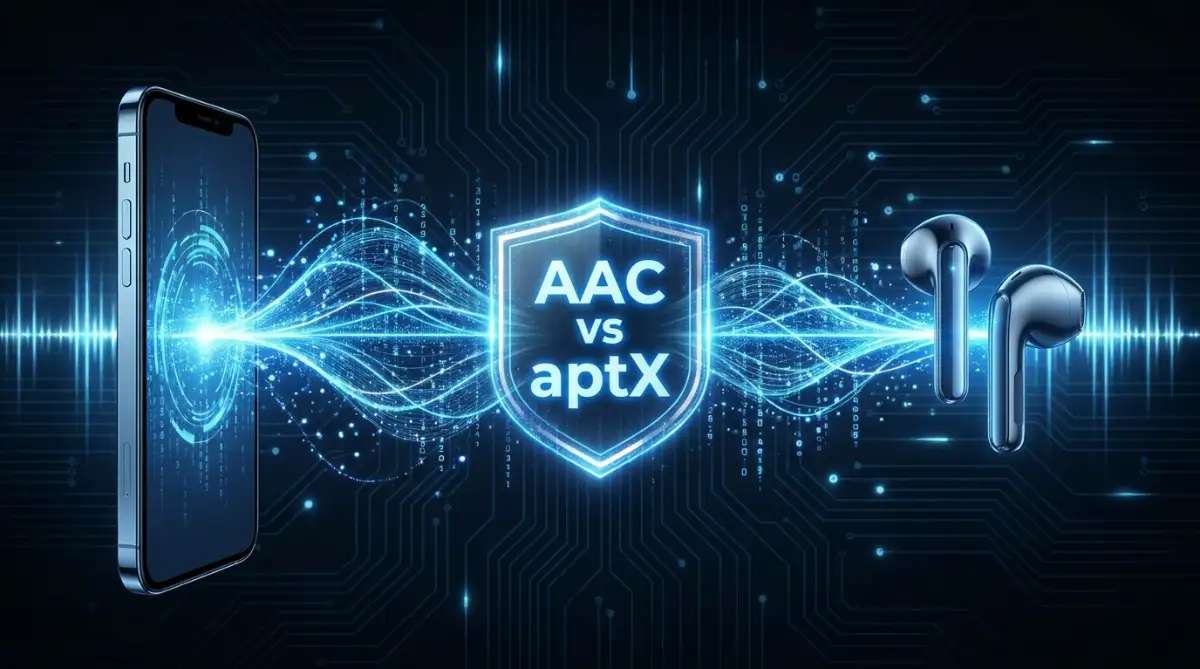
To fix your sound, you first need to understand what a Bluetooth codec actually is. Think of it as a digital handshake between your phone and your headphones.
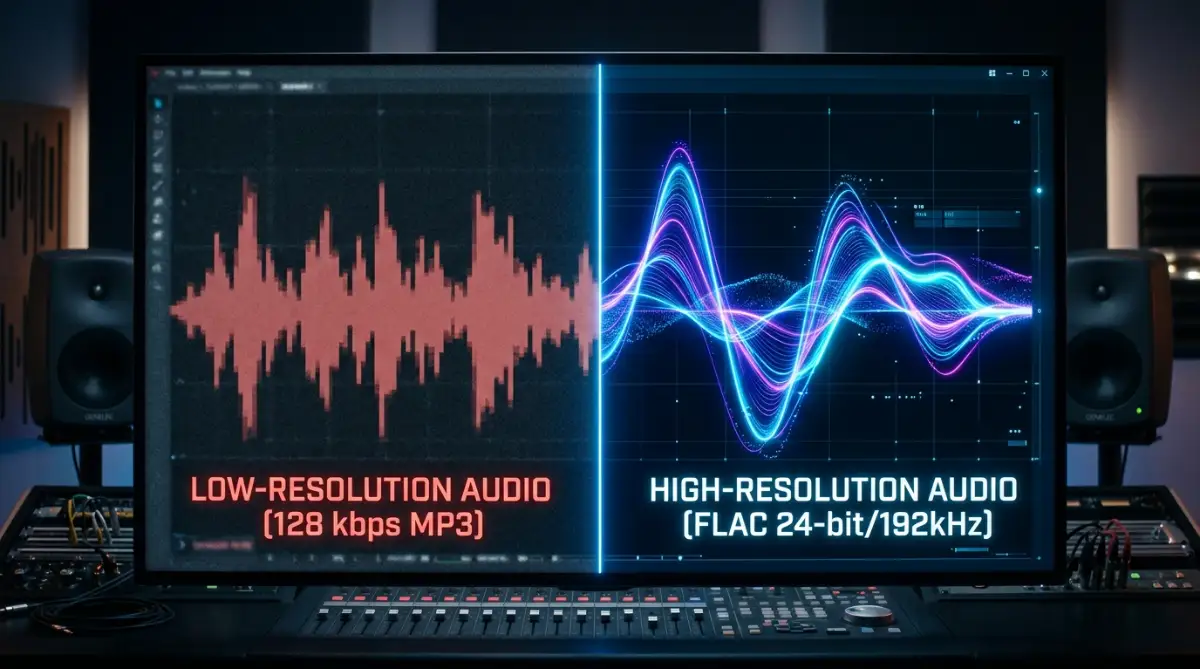
Music files are huge, and Bluetooth doesn't have a very big "pipe" to send all that data through. To make it fit, the phone has to squish the audio file before sending it.
The codec is the tool that does the squishing (encoding) and the unsquishing (decoding). If the tool is bad, the music gets mangled in the process.
The Foundation: What is SBC?
Every Bluetooth device in the world supports something called SBC (Sub-band Coding). It is the basic standard that makes sure everything can talk to each other.
The Codec "Speed Limit" Cheat Sheet
Think of audio data like cars on a highway. SBC is a one-lane dirt road, while LDAC is a massive superhighway. Here is a quick look at how much data these codecs actually let through:
The problem with SBC is that it was designed a long time ago when battery life was more important than sound. It often cuts out the highest and lowest frequencies to save space.
If your phone defaults to SBC, your music will sound compressed and lacks "air" or space. It is like looking at a beautiful painting through a dusty window.
The Apple Standard: Why AAC Matters
If you use an iPhone, you are likely using a codec called AAC (Advanced Audio Coding). Apple loves this one because it is very efficient.
Even though it doesn't have the highest numbers on paper, it sounds great because it handles data very smartly. It focuses on the parts of the music that human ears actually hear.
However, AAC can be tricky on Android phones. Some Android devices don't process AAC well, which can lead to more battery drain or lower quality than you'd get on an iPhone.
Moving Toward High-Resolution Audio
If you want to truly improve wireless audio quality, you have to look beyond the basics. This is where things get exciting for music lovers.
We now have codecs that can carry almost as much detail as a wired connection. This was impossible just a few years ago.
The Qualcomm Family: aptX and Its Cousins
Many Android phones come with Qualcomm chips, which means they support the aptX family of codecs. This is a massive step up from SBC.
Regular aptX provides "CD-like" quality, which is much clearer than standard Bluetooth. But it doesn't stop there.
There is also aptX HD, which allows for even higher bitrates. When I first switched to an aptX HD connection, I finally heard the tiny reverb in the drums that I had been missing.
Pro Tip: I used to think that just buying expensive headphones was enough. I learned the hard way that if my phone didn't support the same codec as my headphones, I was stuck with basic sound. Always check the "Specs" section of both your phone and headphones to make sure they share a high-quality codec like aptX or LDAC.
The King of Quality: Sony’s LDAC
If you are an audiophile, LDAC is the name you need to know. Developed by Sony, it can send three times more data than standard SBC.
It is the closest thing we have to a "lossless" wireless experience right now. When you use LDAC, the music feels full, textured, and incredibly wide.
Most modern Android phones (version 8.0 and up) have LDAC built right into the software. You just have to make sure your headphones support it too.
Watch this video to see a visual breakdown of how these codecs change your sound waves in real-time!
How to Check Which Codec You Are Using
You might be surprised to find out that your phone isn't using its best codec by default. Manufacturers often choose stability over quality.
On an Android phone, there is a hidden way to see exactly what is happening. You need to enable something called "Developer Options."
Go to your settings, find "About Phone," and tap the "Build Number" seven times. Suddenly, a new world of settings will open up to you.
Inside Developer Options, you can find a setting for "Bluetooth Audio Codec." Here, you can manually force your phone to use LDAC or aptX if your headphones support it.
Quick Myth vs. Fact: The Samsung Trap
Myth: If you have an Android phone, you should always force it to use LDAC or aptX for the best sound.
Fact: If you own a Samsung Galaxy phone and use Galaxy Buds, you actually want to use the Samsung Seamless Codec (SSC). Samsung hides this in the background, but it scales the data automatically based on your Wi-Fi or Bluetooth traffic. Forcing a Samsung phone to use a different codec often makes the music skip!
Does Your Music Source Even Matter?
There is a big catch that many people forget. Improving wireless audio quality isn't just about the Bluetooth connection.
If you are listening to a low-quality YouTube rip or a basic Spotify stream, a better codec won't help much. You can't polish a low-resolution file into a masterpiece.
To get the most out of LDAC or aptX HD, you should use high-quality streaming services. Look for "Hi-Fi" or "Lossless" tiers in apps like Tidal, Apple Music, or Amazon Music.
When you pair a high-quality file with a high-quality codec, that’s when the magic happens. You’ll start to notice instruments you never knew were there.
The Problem with Latency and Lag
Audio quality isn't just about how clear the music is. It’s also about when the sound hits your ears.
Have you ever tried gaming with Bluetooth headphones? Often, you hear the gunshot a half-second after you see it on the screen.
This delay is called latency. Some codecs are terrible at this, while others are designed specifically to fix it.
Solving the Sync Issue with aptX Low Latency
If you are a gamer or a movie buff, you should look for "aptX Low Latency" (aptX LL). This codec reduces the delay so much that the human brain can't perceive it.
Standard Bluetooth can have a delay of 200ms or more. aptX LL brings that down to about 40ms.
Without this, gaming feels disconnected and frustrating. It’s hard to stay immersed in a world when the sound is lagging behind the action.
Hardware Limitations: The Bluetooth Version Myth
Many people think that "Bluetooth 5.3" means the sound quality is better than "Bluetooth 4.2." This is a very common mistake.
Bluetooth versions mostly improve things like range, battery life, and how fast devices connect. They don't actually change the audio quality.
The audio quality is almost entirely determined by the codec. You can have the newest Bluetooth version, but if you are still using SBC, it will sound the same as it did ten years ago.
Don't be fooled by marketing numbers. Always look for the specific codec support listed on the box.
Why Your Ears Might Need a Break
Sometimes, the "bad sound" isn't the codec at all. It might be your ears or the fit of your headphones.
If your earbuds don't have a tight seal in your ear canal, the bass will leak out. This makes the music sound thin and tinny, no matter how good the codec is.
I once spent an hour messing with settings only to realize I was using the wrong size ear tips. Once I swapped them for a larger pair, the bass came roaring back.
The Impact of Physical Interference
Bluetooth uses a 2.4GHz frequency, which is the same as your microwave and some Wi-Fi signals. This can cause "traffic jams" for your audio data.
If you are in a crowded place like a train station, high-quality codecs like LDAC might stutter. This is because they are trying to send so much data through a crowded airwave.
In these cases, your phone might automatically switch back to a lower-quality codec to keep the music playing. It’s a trade-off between quality and reliability.
If you experience stutters, try moving your phone closer to your headphones. Even putting your phone in a different pocket can sometimes help the signal.
The Future of Wireless Sound
We are currently seeing a big shift in the industry with something called Bluetooth LE Audio. This is a new standard that promises better quality with much lower battery use.
It uses a new codec called LC3. It is designed to replace SBC as the new "base" standard for everyone.
LC3 sounds much better than SBC even at lower bitrates. This means even cheap headphones will start sounding a lot better in the coming years.
But for now, we have to work with what we have. Understanding your current options is the best way to get the most out of your gear.
Making the Choice: Which One Should You Use?
If you are on an iPhone, stick with AAC and don't worry too much. Apple has optimized it so well that it's hard to beat within their ecosystem.
If you are on Android, go for LDAC if your headphones allow it. It is the gold standard for a reason.
If you prioritize a stable connection while walking outside, aptX or aptX Adaptive is a great middle ground. It balances quality and signal strength perfectly.
Summary of the Journey So Far
We have covered a lot of ground today. We talked about the frustration of bad sound and the "secret" language of codecs.
We looked at why SBC is the floor, and LDAC is the ceiling. We also touched on how your music source and even your ear tips can change everything.
Improving wireless audio quality isn't about being an expert. It’s about knowing which buttons to press and what to look for when you buy your next pair of headphones.
You deserve to hear your music the way the artist intended. Don't let a simple setting stand in the way of your favorite songs.
Taking Your Wireless Sound to the Next Level
You now know that codecs are the secret language of your headphones. But just knowing about them isn't enough to get that perfect sound you crave.
I spent weeks digging through settings and testing different apps to find what actually works. There are a few tricks that most people never talk about.
If you want to keep that high-quality sound for a long time, you need a plan. It is about more than just clicking a button once and forgetting it.
Unlocking the Hidden Potential of Your Smartphone
Most phones are set to "Auto" mode for Bluetooth. This means the phone decides what quality you get based on the signal strength.
I found that my phone often chose a lower quality even when I was sitting right next to it. To stop this, you need to use the Developer Options we talked about earlier.
Inside those settings, look for "Bluetooth Audio LDAC Codec: Playback Quality." I always switch mine to "Optimized for Audio Quality (990kbps/909kbps)."
This forces the phone to send the most data possible. It makes a huge difference in how much detail you can hear in the music.
Why Your Streaming App Might Be Holding You Back
Even with the best codec, your music will sound bad if the source is low quality. I noticed this when I switched from a free music app to a high-res service.
Check the settings inside your favorite music app. Most of them have a "Data Usage" or "Audio Quality" section.
Always set these to "Very High" or "Lossless" when you are on Wi-Fi. It is like choosing an SSD over an HDD for your computer; the speed and clarity are night and day.
I also recommend turning off "Volume Normalization" if your app has it. This setting tries to make every song the same loudness, but it often flattens the sound and ruins the dynamics.
The Magic of Third-Party Equalizers
Sometimes, your headphones have great hardware but the "tuning" is a bit off. This is where an equalizer app comes into play.
I use an app that lets me adjust specific frequencies. If the bass feels too muddy, I can turn down the low-end slightly to let the vocals shine.
For Android users, apps like Wavelet are amazing because they have "AutoEq" profiles for thousands of different headphones. It feels like getting a brand-new pair of buds for free.
If you are using your computer for audio, you might need to look into optimizing background processes to ensure your CPU doesn't stutter while playing high-res files. Smooth performance is a major part of a good listening experience.
Keeping Your Hardware in Top Shape
You wouldn't believe how much dirt can ruin your sound quality. Over time, earwax and dust clog the tiny mesh screens on your earbuds.
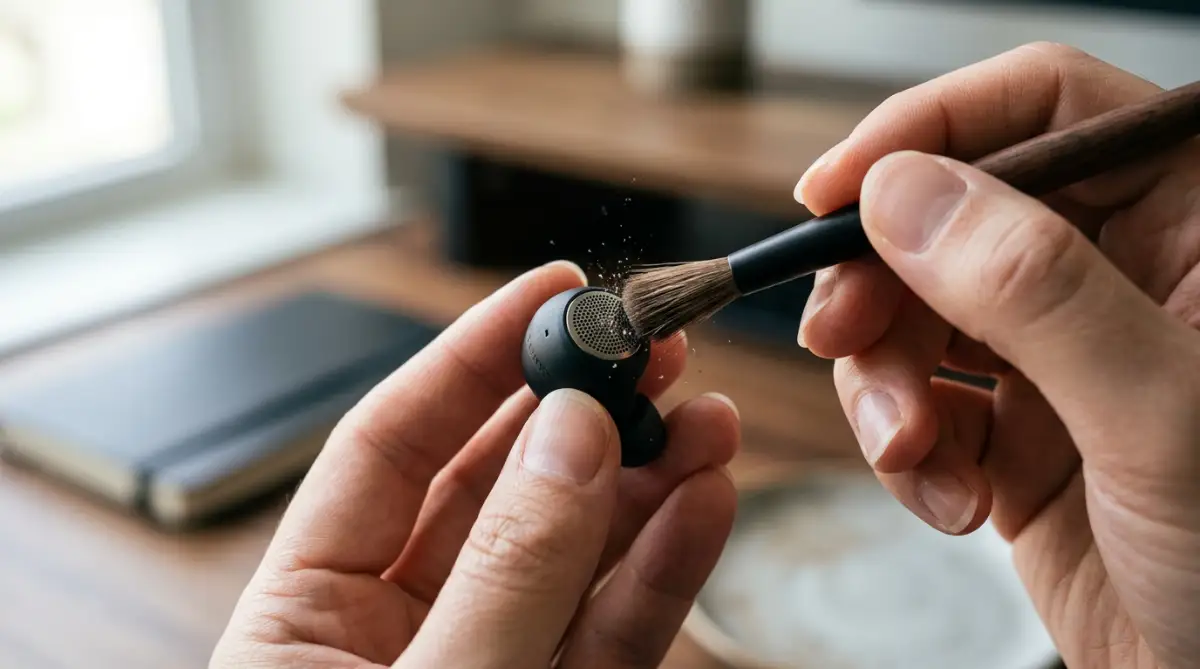
I make it a habit to clean my earbuds once every week with a soft brush. If the sound feels quieter in one ear, it’s almost always a physical blockage.
Just like cleaning your laptop fans helps it run better, keeping your audio gear clean keeps it sounding sharp. It is a simple habit that saves you money in the long run.
Also, keep an eye on your battery health. When Bluetooth batteries get very low, the connection can become unstable, causing the audio to drop in quality.
Taking care of your battery is easy if you follow simple smartphone habits for longer life. A healthy battery means a steady stream of high-quality music for hours.

The Trap of Buying Based on Brand Names Alone
One of the biggest mistakes I ever made was buying headphones just because a famous celebrity was wearing them. I thought a big price tag meant big sound.
I later found out those headphones didn't even support aptX or LDAC. I was paying for a logo, not for audio technology.
Many people fall into this trap and end up frustrated. They wonder why their expensive gear sounds the same as a cheap pair.
Always look for the technical labels on the box. If it doesn't list high-quality codecs, it doesn't matter how famous the brand is.
Ignoring the Quality of Your Audio Files
I see people buying $500 headphones and then listening to low-quality files they downloaded years ago. This is a waste of good hardware.
A high-quality codec like LDAC needs high-quality data to work with. If the file is bad, the codec just sends "high-quality garbage" to your ears.
It is like having a fast internet connection but visiting a broken website. You can learn more about how fast connections and modern standards work to see why the source always matters.
Try to find files that are at least 320kbps or higher. Better yet, look for FLAC or ALAC files for a truly lossless experience.
Forgetting About Bluetooth Interference
I used to get so angry when my music would skip while I was walking through the city. I thought my phone was broken.
I didn't realize that my Bluetooth was fighting with dozens of other signals. Every Wi-Fi router and smart device nearby uses the same airwaves.
When the air is crowded, your phone has to work harder to send music. If you use a very high-bitrate codec like LDAC, it is even harder to keep the connection steady.
In these situations, it is better to switch to a more stable codec like AAC or standard aptX. It is better to have slightly lower quality music that plays smoothly than high-quality music that cuts out every ten seconds.
Thinking Bluetooth 5.0 Automatically Means Better Sound
This is perhaps the most common myth in the tech world. I hear people say, "My headphones are Bluetooth 5.3, so they sound amazing."
As we discussed, Bluetooth versions are about the "bridge," while codecs are about the "car" crossing it. A newer bridge doesn't make the car any better.
If you are buying new gear, don't just look for the Bluetooth version. Check if it supports the latest USB standards or connection types for charging and data, but keep your focus on the audio codecs for sound.
Marketing teams love to use high version numbers to confuse buyers. Stay smart and look for the specific audio tech inside the device.
Not Checking Your Computer's Audio Settings
Many people listen to music through their laptops while working. But Windows and Mac often have their own hidden audio settings.
On Windows, there are "Enhancements" that are often turned on by default. These can make your high-end headphones sound artificial and weird.
I always go into the Sound Control Panel and disable all enhancements. I want to hear the music exactly how it was recorded.
Embracing a New Way to Listen
Improving your audio experience is a journey of discovery. Once you hear the difference, you can never go back to "regular" sound.
It’s like moving from a blurry old TV to a bright new 4K screen. Everything feels more alive and real.
I want you to take a moment today to look at your settings. Experiment with the codecs and see which one sounds best to your own ears.
There is no "right" answer because everyone hears things differently. What matters is that you are happy with what you hear.
Music has the power to change our mood and our day. Giving it the best possible quality is a gift you give to yourself.
Your Personal Action Plan
Start by checking your current gear. Find out what codecs your phone and headphones actually support.
Then, try a high-resolution streaming service for a few days. See if you can hear the tiny details, like the breath of the singer or the fingers sliding on guitar strings.
Clean your gear and check your settings. These small steps don't cost any money, but they provide a huge boost in quality.
I truly believe that everyone deserves to experience great sound. It makes the world a little bit more beautiful.
I started this journey feeling frustrated and cheated by my gear. But now, every time I put on my headphones, I feel a sense of joy because I know I’m getting the best possible experience. I hope you take these steps today and start enjoying your music in a whole new way.
Disclaimer: The information provided in this guide is for educational purposes only. Always follow the manufacturer's instructions when cleaning or modifying settings on your electronic devices. Using Developer Options should be done with care as it can change how your device functions. We are not responsible for any damage caused by improper device handling.
Common Questions About Wireless Audio
Does LDAC work on iPhones?
No, iPhones currently only support SBC and AAC codecs. Apple uses its own specialized software to make AAC sound excellent on its devices. If you want to use LDAC, you will need a compatible Android phone or a specialized high-res player.
Why does my audio cut out when I use high-quality settings?
High-quality codecs like LDAC send a lot of data, which requires a very strong and clean Bluetooth signal. If you are far from your phone or in an area with lots of Wi-Fi signals, the connection might struggle. Try moving your phone closer to your headphones to fix this.
Can I add new codecs to my old headphones with a software update?
In most cases, no. Codecs usually require specific hardware chips inside the headphones to work. While some high-end brands occasionally add features via updates, it is rare for an entirely new codec to be added after you buy the product.
Is there a big difference between aptX and aptX HD?
Yes, there is a noticeable difference if you are using high-quality audio files. aptX HD has a higher bitrate, which means it carries more detail and has less "noise" in the background. It makes the music feel more open and natural.