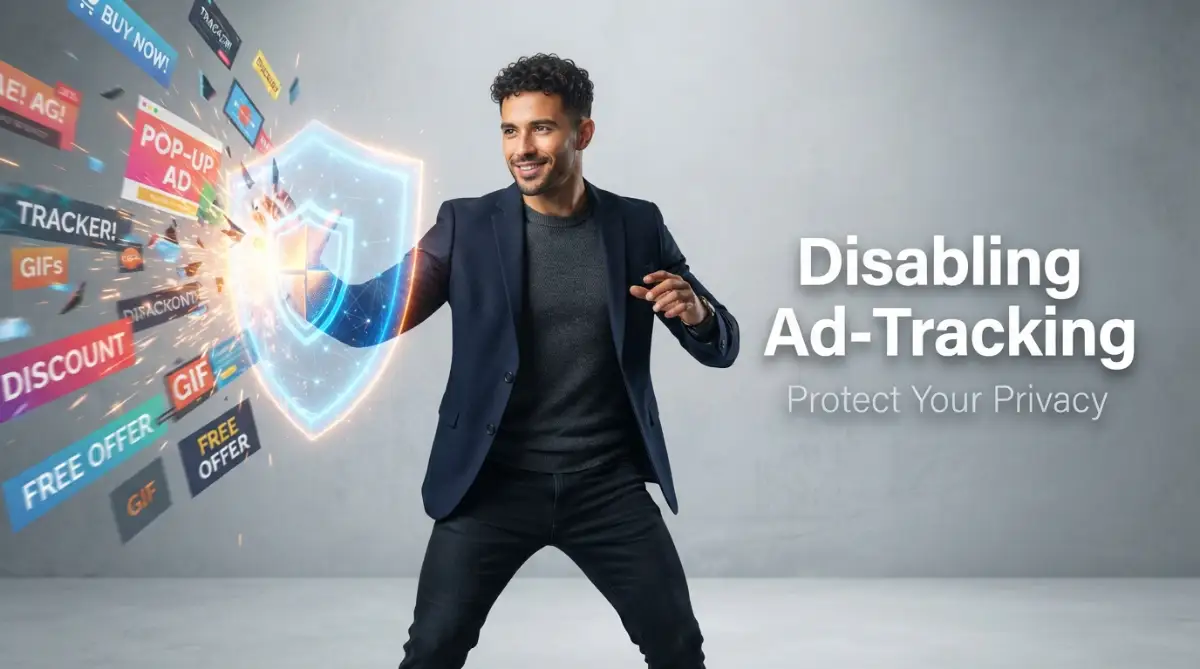
The Creepy Reality of Being Followed Across the Web
Ever talked about buying something out loud, only to see an ad for it on your phone ten minutes later? Yeah, me too. It feels like someone is standing right behind you, taking notes on your private life. The good news is that you do not have to put up with it anymore. Let's look at how you can lock down your phone and computer right now to stop these companies from watching your every move.
My heart instantly sank, and a cold shiver went down my spine as I scrolled through those ads. I felt like a total stranger was standing in the dark corner of my room, silently taking detailed notes on my most private conversations.
That was the exact moment I realized my digital privacy was practically non-existent. My devices were constantly monitoring my habits, and I was giving them full permission to do so without even knowing it. I knew I had to take control of my online life before things got completely out of hand.
This silent monitoring ruins our mental peace and strips away our basic right to privacy. Imagine trying to buy a surprise anniversary gift for your spouse, only for a targeted banner ad to pop up on the family computer and completely ruin the surprise.
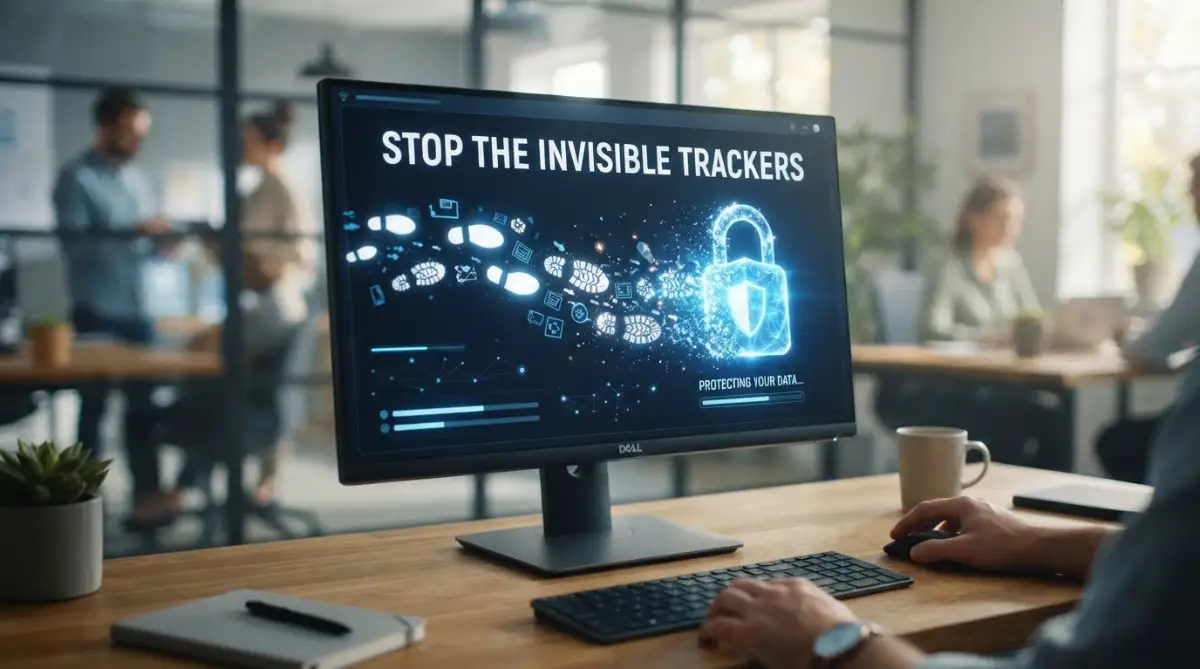
Quick Privacy Checklist for Today:
- Switch your browser tracking prevention to "Strict" (especially on Edge or Firefox).
- Delete the hidden Mobile Advertising ID in your phone's main settings.
- Swap Google for a search engine that does not save your history, like DuckDuckGo.
- Install the uBlock Origin extension to stop hidden scripts in their tracks.
Taking Back Control: How the Invisible System Works
Before we can stop these invisible online stalkers, we need to understand how they are actually tracking us. Websites use small pieces of code to remember who you are, what you like, and where you go on the internet.
The most common tools they use are third-party cookies, invisible tracking pixels, and something called device fingerprinting. These tools secretly communicate with each other, building a massive hidden profile based on your personal life.
Here is a quick look at exactly what these companies are grabbing and how you can fight back:
Think of tracking cookies as digital sticky notes that a store owner places on your back without you noticing. As you walk into other stores, those owners read the sticky note to see exactly what you looked at previously.

Device fingerprinting is even more aggressive because it looks at your screen size, your system fonts, and your battery level to identify you. Even if you clear your history, fingerprinting can still recognize your specific device out of millions of others.
Myth vs Reality: The Truth About Online Privacy
As you can see, the basic assumptions we make about our internet safety are often completely wrong. It is time to move past the myths and take actual, effective steps to lock down our digital front door.
Securing Google Chrome: Your First Line of Defense
Since Google Chrome is the most popular browser on the planet, it is heavily targeted by advertisers. Luckily, you can tweak a few hidden settings to make it significantly more secure.
First, open your Chrome browser and click on the three vertical dots in the top right corner. From that drop-down menu, select Settings and then navigate directly to the Privacy and security section on the left sidebar.
Block Third-Party Cookies:
Click on the "Cookies and other site data" option. You will see several choices, but you need to select Block third-party cookies. This simple action stops external advertising companies from leaving their digital sticky notes on your browser.
You will notice an immediate drop in how closely ads follow you from one website to another. It is like finally shaking off a persistent salesperson who has been tailing you all afternoon.
Send a "Do Not Track" Request:
While you are still in the cookies menu, scroll down a bit further until you see a toggle switch for "Send a 'Do Not Track' request with your browsing traffic." Turn this feature on immediately.
While some websites aggressively ignore this request, many ethical websites will respect your choice and turn off their data collection tools. It is a simple flip of a switch that adds an extra layer of protection to your daily routine.
Are you tired of ads following you across devices? Check out this quick video explanation below!
Locking Down Safari for Apple Users
If you are using an iPhone, iPad, or Mac, you are likely browsing the internet with Safari. Apple has actually done a highly impressive job of building privacy tools directly into this browser.
They introduced a powerful feature called Intelligent Tracking Prevention (ITP). This built-in system automatically blocks cross-site tracking, meaning a shoe website cannot follow you over to a news website.
To make sure this is fully active on your Mac, open Safari, click on the Safari menu at the top, and select Preferences. Head over to the Privacy tab and make sure the box next to Prevent cross-site tracking is checked.
For your iPhone or iPad, simply open your Settings app, scroll down until you find Safari, and look under the Privacy & Security section. Turn on the switch for Prevent Cross-Site Tracking so it shows a green color.
My personal realization about Safari happened when I left this setting off by mistake after getting a new phone. I noticed a huge spike in weird, highly specific ads within just a few days. Once I flipped that switch back on, the creepy targeted ads almost entirely disappeared, giving me back my peace of mind.
Firefox: The Privacy Champion
For those who want to take their online security to the highest possible level, Mozilla Firefox is an incredible option. Unlike other browsers, Firefox is built from the ground up to prioritize your privacy over advertiser profits.
They use a feature called Enhanced Tracking Protection (ETP), which acts like a digital bodyguard for your internet sessions. It automatically blocks thousands of known trackers, malicious scripts, and invasive fingerprinting tools without breaking the websites you love.
To configure this properly, open Firefox and click the shield icon located right next to the website address bar. Click on Protection Settings, which will take you to a dedicated privacy dashboard.
You will see three main options: Standard, Strict, and Custom. I highly recommend switching your setting from Standard to Strict.
Choosing the Strict option tells Firefox to aggressively block tracking cookies, hidden crypto-miners, and device fingerprinters across every single page you visit. Sometimes, a very old website might look a little weird with this setting on, but you can easily disable the shield just for that one specific site if absolutely necessary.
Taming Microsoft Edge
Many people use Microsoft Edge simply because it comes pre-installed on their Windows computers. Fortunately, Microsoft has updated Edge to include some very solid anti-tracking features that are easy to use.
Open your Edge browser, click the three horizontal dots in the upper right corner, and select Settings. From the left-hand menu, choose Privacy, search, and services.
You will instantly see a section called Tracking prevention with three clear levels: Basic, Balanced, and Strict. By default, Edge uses the Balanced setting, which is okay, but not good enough for true privacy.
Change your selection to Strict to get the maximum protection possible. This will block the majority of trackers from all websites, completely stopping personalized ads in their tracks.
You might see a small warning that parts of some sites might not work properly, but in my daily experience, 99 percent of the internet functions perfectly fine. The massive reduction in creepy ads is well worth any tiny inconvenience you might face.
Understanding Mobile Advertising IDs
Disabling browser trackers is a massive step forward, but we also need to address the root of mobile tracking. Your smartphone has a unique hidden code inside it called an Advertising ID.
Every time you open an app or browse on your phone, advertisers read this unique ID to build a profile about your daily habits. It does not matter if you use different browsers; this ID ties all your activities together.
If you use an Android phone, you can easily delete this identifier. Go to your phone's Settings, scroll down to Google, and tap on Ads.
You will see a very clear option that says Delete advertising ID. Tap it, confirm your choice, and your phone will permanently erase the hidden profile tied to your device. Apps will no longer be able to recognize you based on your past history.
For iPhone users, Apple has introduced App Tracking Transparency. Whenever you download a new app, it must ask for your direct permission to track your activity across other companies' apps and websites.
Always tap Ask App Not to Track when you see this prompt pop up on your screen. Furthermore, you can go to Settings, tap on Privacy & Security, and choose Tracking. Turn off the switch that says Allow Apps to Request to Track to automatically deny these requests in the background.
The Power of Privacy-Focused Extensions
Sometimes, built-in browser settings are just not enough to stop the most aggressive advertising companies. This is exactly where third-party browser extensions come into play to save the day.
An extension is basically a small add-on program that gives your browser extra superpowers. When it comes to privacy, there are a few incredible tools that you can install in just seconds.
uBlock Origin is widely considered the best ad and tracker blocker available today. It is incredibly lightweight, meaning it will not slow down your computer, but it is brutally effective at stopping invisible tracking scripts.
Another fantastic option is Privacy Badger, created by the Electronic Frontier Foundation. Instead of relying on simple blocklists, Privacy Badger actually learns as you browse.
If it notices a specific third-party tracker following you across three different websites, it automatically blocks that tracker permanently. It is like having a highly intelligent guard dog that gets smarter every single day you use the internet.
To install these, simply visit the web store for Chrome, Firefox, or Edge, search for their names, and click "Add to browser". Once installed, they work silently in the background, requiring absolutely zero technical knowledge to maintain.
Testing Your New Privacy Shields
After you have adjusted all these settings and installed your new extensions, you might be wondering if it actually worked. It is always a good idea to verify that your digital doors are truly locked.
The Electronic Frontier Foundation offers an amazing free tool called Cover Your Tracks. You simply visit their website and click the big button to run a quick test on your current browser.
Within seconds, the tool will tell you exactly how well your browser is blocking tracking ads and invisible pixels. It will also analyze your device fingerprint to see if you are blending in with the crowd or standing out like a sore thumb.
When I first ran this test before changing my settings, the results were completely embarrassing. The tool told me I was uniquely identifiable and completely unprotected from modern tracking methods.
After applying the strict settings and installing a good blocker, I ran the test again. Seeing the green checkmarks confirming my strong protection gave me an incredible sense of relief and accomplishment.
Embracing a Cleaner Digital Life
Taking the time to turn off ad-tracking identifiers completely changes the way you experience the internet. The constant noise, the flashing banners, and the creepy targeted suggestions simply fade away.
Websites actually load much faster because your device is no longer downloading dozens of heavy tracking scripts in the background. You save mobile data, your battery lasts longer, and your internet connection feels much more responsive.
More importantly, you get your mental peace back. You can research sensitive health topics, shop for surprise gifts, and read news articles without feeling like you are being monitored by a hidden camera.
Privacy is not about having something to hide from the world. It is about protecting your right to explore, learn, and live without being constantly analyzed for profit.
By taking these straightforward steps today, you are drawing a clear boundary between your personal life and corporate greed. You are telling advertisers that your private data is yours alone, and they no longer have free access to it.
Start with your primary browser today, adjust those settings, and enjoy a cleaner, safer, and much more private online journey. Your future self will definitely thank you for taking action right now.
Taking Your Digital Shield to the Next Level
Turning off the basic tracking options in your web browser is a fantastic starting point, but the advertising industry is incredibly stubborn. When they realize you have locked the front door, they will immediately start looking for an open window. To keep them out for good, you need to add a few more layers of security to your daily routine.
My journey into online privacy really changed when I stopped relying entirely on my browser settings and started looking at the bigger picture. I realized that my choice of search engine was just as important as blocking third-party cookies. If you are using a mainstream search engine, every single query you type is recorded, analyzed, and attached to a massive invisible file with your name on it.
Swapping Out Your Search Engine
Instead of handing over your private thoughts to the biggest tech giants, try switching to a privacy-first alternative. Search engines like DuckDuckGo or Brave Search do not track your internet history, nor do they build personal profiles to sell targeted ads. You get the exact same high-quality search results, but without the creepy feeling of someone watching over your shoulder.
I set DuckDuckGo as the default search engine on my phone a few months ago, and the difference was night and day. The sudden disappearance of hyper-targeted shopping ads was so refreshing. If you want to know more about research shows most people feel they have no control over their data, taking this one simple step is a great way to take your power back.
Isolating Your Online Identities
Another amazing pro-level secret is using something called "container tabs" if you use Firefox. Think of containers as completely separate, soundproof rooms inside your web browser. You can have one room for your online banking, one room for shopping, and a completely different room for your social media accounts.
When you browse inside a specific container, the trackers from that website cannot escape and see what you are doing in the other rooms. The isolate your online identities feature completely ruins the advertising industry's ability to connect your personal hobbies with your financial habits. It is like wearing a different disguise every time you walk into a new store.
Changing Your DNS Provider
This sounds a bit technical, but I promise you it is incredibly simple and highly effective. A DNS (Domain Name System) is basically the phonebook of the internet. When you type in a website address, your internet provider uses their default phonebook to connect you, and they secretly record every single page you visit.
You can bypass this completely by switching your device to a secure DNS provider like NextDNS or Quad9. These specific providers are built to automatically block requests from known advertising servers before they even reach your device. Not only does this protect your privacy, but it also speeds up your internet connection because all that heavy tracking code is blocked at the network level.
If you are not sure which DNS provider to pick, here is what I personally use and recommend:
- NextDNS: This is great if you want total control. You can see exactly which trackers are blocked on your phone and home router.
- Quad9: Pick this one if you just want to "set it and forget it." It blocks bad websites automatically and you do not even need to make an account.
The Invisible Traps That Ruin Your Browsing Privacy
Even with the best intentions and the strongest browser settings, many people accidentally leave massive gaps in their digital security. I have made several of these mistakes myself, only to wonder why I was still seeing creepy targeted ads for things I only looked at once. Understanding these common pitfalls is exactly how you stay two steps ahead of the advertising networks.
The "Log in with Social Media" Trap
We all know the feeling of finding a great new website, only to be hit with a mandatory account registration screen. To save time, we often click that highly convenient button that says "Log in with Google" or "Log in with Facebook." While it is definitely faster, it is an absolute nightmare for your personal privacy.
When you use a universal login button, you are directly connecting your social media profile to that completely random website. This entirely defeats the purpose of blocking browser trackers because you are willingly handing over your identity. The social media company now knows exactly when you visited that site, and the website gets access to your private profile details.
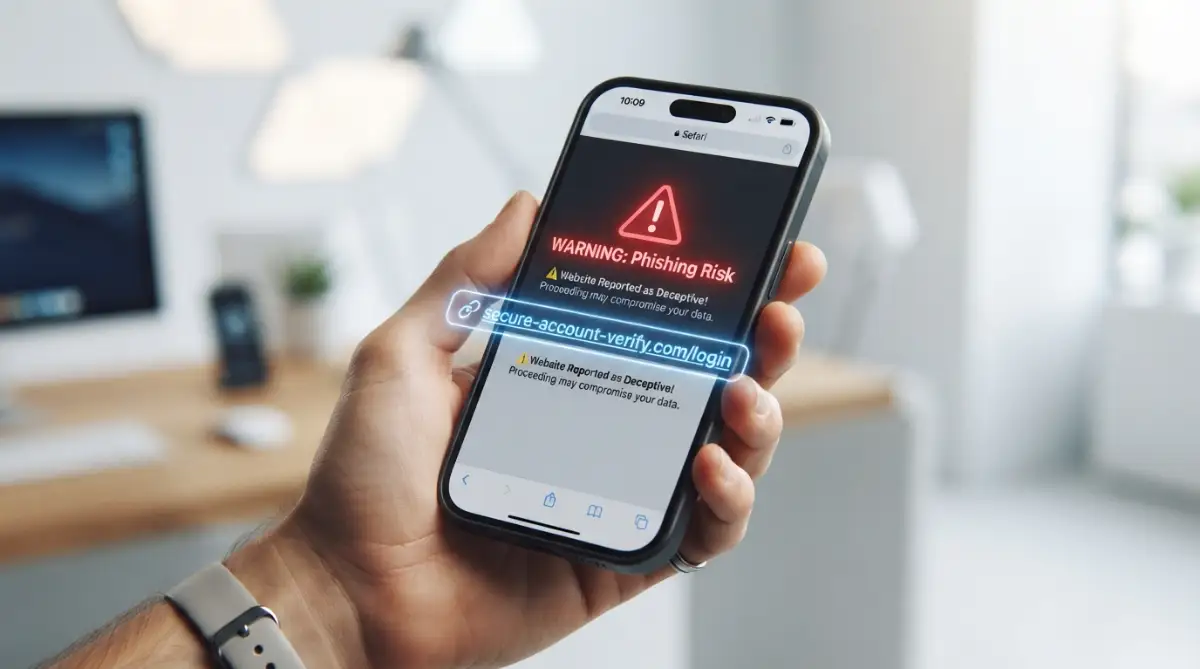
Instead of taking the lazy route, I always recommend using a dedicated password manager and creating a brand new account with an email address. This creates a solid wall between your social accounts and your random internet browsing. It also helps prevent you from falling victim to related scams, much like learning the tricks for spotting fake phishing emails easily before you click on something dangerous.
Being Tricked by Cookie Consent Banners
Have you noticed how almost every website now pops up a massive banner asking you to accept their cookies? These banners are often designed using psychological tricks called "Dark Patterns." The button to "Accept All" is usually bright green and very easy to click, while the option to manage or decline trackers is hidden in tiny gray text.
Many people get frustrated and just hit accept to make the annoying banner go away quickly. By doing this, you are legally giving those specific data brokers permission to track you, completely overriding the protective settings you just set up in your browser. If you want to understand more about how invisible data brokers operate, you will quickly realize why they desperately want you to click that green button.
Always take the extra five seconds to click "Manage Options" and hit the "Reject All" button. Some privacy extensions can even automate this process for you, automatically answering "No" to every single cookie banner you encounter.
Ignoring Your Wi-Fi Router's Security
We often spend so much time locking down our phones and laptops that we completely forget about the main gateway to our internet. Your home internet router handles every single piece of data flowing in and out of your house. If your router is easily accessible or using outdated security settings, your private browsing habits might be exposed to anyone nearby.
Taking a few minutes to learn about securing your home wireless router is a massive step in stopping local snooping. When your home network is properly encrypted, neither your internet service provider nor random strangers can easily build a profile on your family's daily habits.
Forgetting About Background App Activity
This is a trap that mostly affects smartphone users who think their browser is the only thing tracking them. You might have Safari or Chrome locked down perfectly, but what about the weather app or the free calculator app sitting on your home screen? Many of these free mobile applications constantly run invisibly, collecting your location data and sharing it directly with advertisers.
It is highly important to go into your phone settings and review exactly what your apps are doing when you are not actively holding the screen. Taking a moment to read up on stopping apps from eating up background data will actually solve two problems at once. You will immediately stop hidden trackers from recording your life, and your daily battery percentage will last significantly longer.
You should also be very careful about the specific permissions you grant upon downloading something new. Understanding which app permissions are secretly dangerous ensures you do not accidentally give a simple flashlight app full access to your personal camera or microphone.
Your Blueprint for a Quieter, Safer Internet
Reclaiming your digital privacy does not happen overnight, and it definitely is not about becoming a paranoid computer hacker living off the grid. It is simply about being intentional with your personal data and drawing a respectful boundary with the companies that want to profit from your habits.
Think of your online privacy like building a strong, sturdy fence around your personal garden. You are fully welcome to open the gate and invite specific people inside when you want to, but strangers should not be allowed to peek through the boards whenever they feel like it. By turning off those aggressive ad-tracking identifiers, you are finally putting up that protective fence.
I highly recommend starting a slow, manageable routine rather than trying to fix everything in a single hour. Start your weekend by checking your browser settings, maybe swap out your search engine on Monday, and take a look at your mobile app permissions by Wednesday.
Building Healthy Digital Habits
As you move forward, try to adopt a completely different mindset when browsing the internet. Stop treating your personal email address like a free coupon you can hand out to every single website that asks for it. If you need to store sensitive files safely away from tracking eyes, consider exploring understanding secure cloud storage options instead of leaving them scattered across free, ad-supported platforms.
You will also find that spending less time battling annoying pop-up ads makes using your computer much more relaxing. Often, the bright, flashing banners are exactly what give us headaches after a long workday. It is funny how taking control of your privacy can actually improve your physical comfort, much like adjusting screen settings to reduce eye strain during late-night browsing sessions.
The internet is a massive, incredible place filled with knowledge, entertainment, and endless opportunities. You absolutely deserve to experience all of those amazing things without feeling like a giant walking dollar sign. For more helpful tech and device guides, always remember that the power over your digital footprint belongs entirely in your own hands.
If you are ever unsure if you are doing things right, there are amazing digital privacy advocates constantly working to provide free, accessible tools for everyday people. Lean on their resources whenever you feel overwhelmed by aggressive advertising tactics.
Answers to Your Biggest Online Privacy Worries
Do ad blockers completely stop all web trackers?
While high-quality ad blockers are incredibly powerful, they do not catch absolutely everything on the internet. They mostly rely on massive lists of known advertising servers to block connections before they load. To get the best results, you need to combine an ad blocker with strict built-in browser privacy settings.
Will blocking third-party cookies break my favorite websites?
For the vast majority of the internet, blocking third-party cookies will not ruin your reading or shopping experience at all. You might occasionally run into a very old payment system or video player that acts a little strange. If that happens, you can easily turn the protection off just for that one specific page while keeping everywhere else locked down.
Is Incognito mode enough to stop personalized ads?
No, Incognito or Private Browsing mode is widely misunderstood by most everyday users. It only stops your computer from saving your local history, meaning your family members cannot see what you searched for. However, your internet provider, the website owner, and hidden ad trackers can still see everything you are doing in real-time.
Why am I still seeing some ads after changing my settings?
Changing your tracking settings does not remove all advertisements from the internet; it simply stops them from being highly personalized based on your secret habits. You will still see generic ads related to the specific page you are currently reading, like seeing a car commercial while reading a sports blog. If you want to remove the visual ads entirely, you will need to install a dedicated browser extension.
Do I need to pay for premium software to stay safe?
You absolutely do not need to spend any money to massively improve your digital privacy today. The best privacy browsers, search engines, and tracker-blocking extensions are completely free and created by non-profit organizations. With just a little bit of education and a few clicks, you can secure your daily browsing without opening your wallet.
It took me a long time to realize that my personal data was valuable, and I was giving it away for absolutely nothing. I sincerely hope this guide helps you build a much stronger, quieter, and deeply private digital life moving forward.
Disclaimer: The information provided in this article is for educational and informational purposes only. Technology and privacy laws change frequently, and while we strive to keep our content highly accurate, we cannot guarantee the effectiveness of third-party tools or browser updates on your specific devices. Always review the official documentation of the software you choose to install.