That One Morning My Heart Almost Stopped
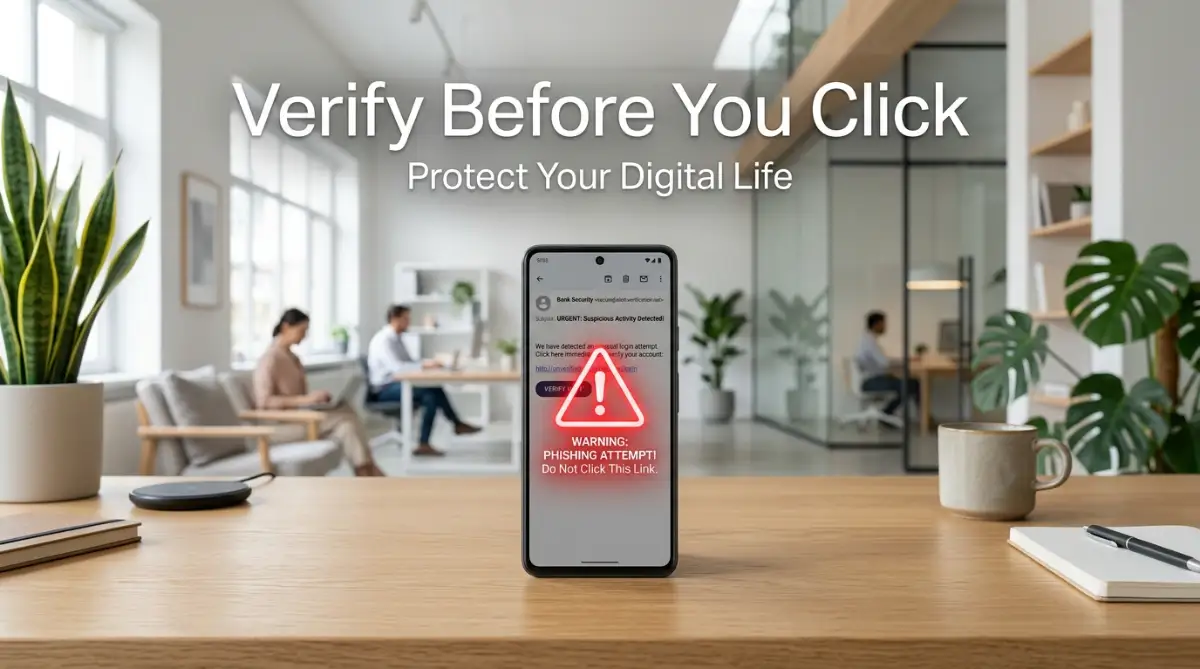
I almost handed over my entire life savings before finishing my morning coffee. A bright red message popped up on my phone, screaming that my main bank account was permanently locked. My thumb hovered right over the verification link, my heart pounding in my chest. If I had not paused for just two seconds to check the sender address, my money would be completely gone today.
We all wake up every day to an inbox full of demands and notifications. Our digital life is connected to everything from our hard-earned money to our private family photos. This makes our daily messages the primary target for modern internet thieves. They know exactly how to trigger our deepest fears and insecurities. Regular people are constantly bombarded with fake package delivery alerts, pretend subscription renewals, and scary legal threats.
It creates a constant state of anxiety just trying to manage everyday communications. You never really know if the message from your boss is actually your boss. Older adults often lose their entire retirement savings just by trusting a simple, friendly-looking message. Small business owners face sleepless nights wondering if an invoice they tapped on was actually a virus.
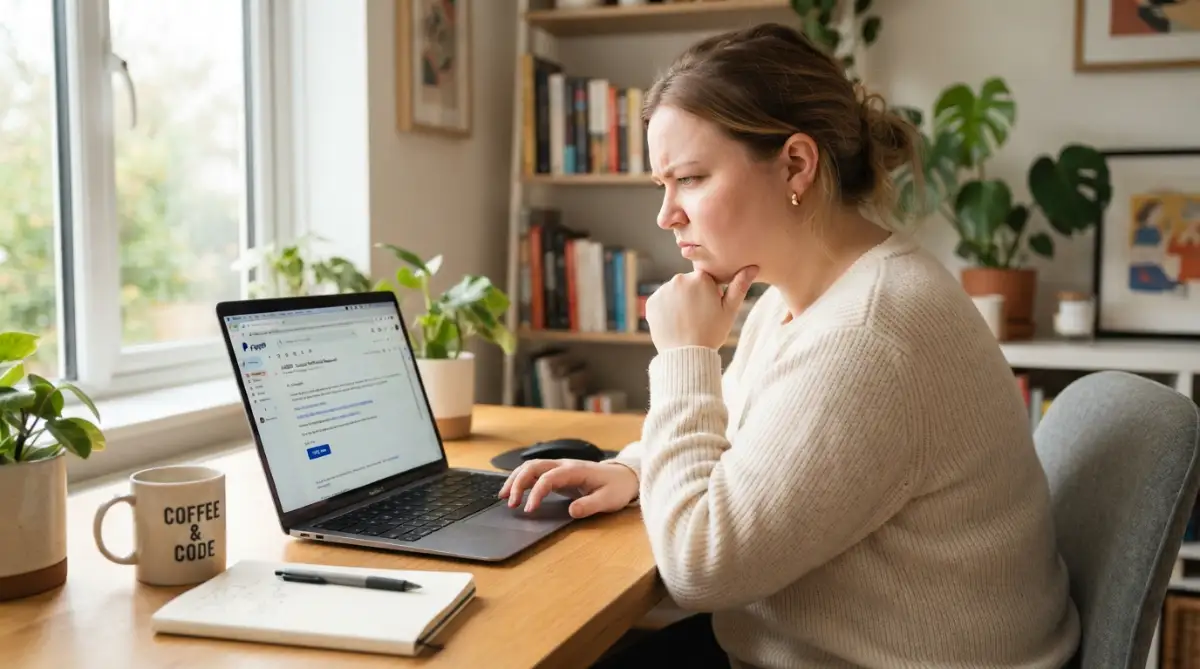
My Quick Safety Checklist Before You Click:
-
Always check the real sender address, never trust just the display name.
-
Hover your mouse over shiny buttons to preview the hidden web link first.
-
Treat unexpected attachments, especially PDF receipts, as major threats.
-
When you feel unsure, open a new window and log into the official website directly instead of using their link.
Decoding the Psychology Behind Digital Traps
Before we learn how to protect ourselves, we need to understand why these tricks actually work so well. Scammers do not just use technology to fool us; they use human psychology. They know exactly how to bypass our logical thinking by creating strong emotional reactions. When you are scared or excited, your brain stops looking for small errors.
They heavily rely on the illusion of extreme urgency. If a message says you have 24 hours to pay a fine, your panic takes over immediately. You forget to check the sender address because you are rushing to fix the problem. This manufactured stress is their biggest weapon against regular internet users.
Another common trick is stealing authority to gain your blind trust. We are trained from childhood to respect banks, government agencies, and big tech companies. When you see a famous logo on your screen, your brain automatically assumes the message is legitimate and safe.
The First Line of Defense: Investigating the Sender
The biggest lie in any fake message usually sits right at the top of your screen. Scammers can easily change the display name of an email to anything they want. It might say "Apple Support" or "PayPal Security" in big, bold letters. However, the display name is completely meaningless when it comes to your safety.
You must always find and click on the actual sender address to see where the message really originated. On a mobile phone, you usually have to tap the contact name once or twice to reveal the true hidden address. This simple habit is your strongest shield against digital deception.
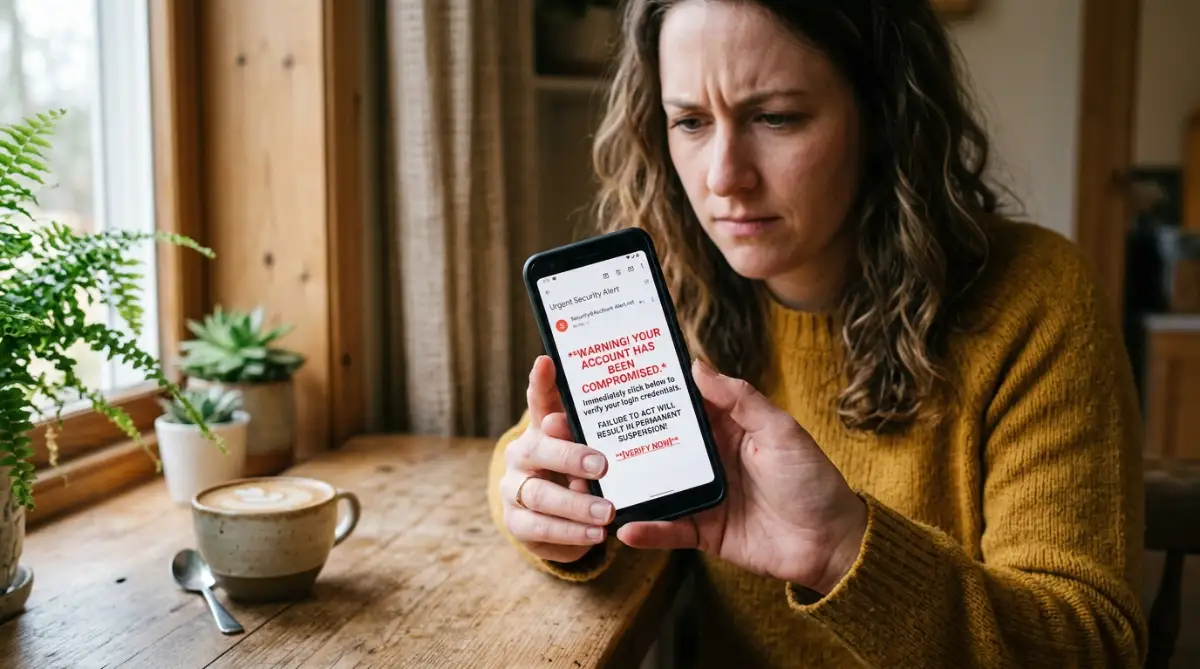
When you reveal the real address, look for strange misspellings or weird combinations of letters. A real message from Netflix will always come from an address ending directly in netflix.com. It will never come from a random string of numbers or a free webmail service.
I remember one specific time I almost lost my main social media account because I
Quick Tip for Checking Senders: I always tell my friends to use the simple reply trick. Scammers easily fake the main display name you see first. But if you hit the reply button (without actually typing or sending a message), the real hidden email address pops up on your screen. If that address looks like a bunch of random letters, delete the message instantly.
panicked. I tried to type my password on a page that looked exactly like the real thing, but thankfully my browser autofill did not recognize the site. Always let your password manager double-check the URL for you, because it will never be fooled by a fake design.
Sometimes the fake addresses are incredibly clever and hard to spot. They might use a letter "r" and an "n" placed close together to look like an "m". You have to read the domain name very slowly and carefully to catch these tiny visual tricks.
How to Safely Inspect Hidden Destinations
The most dangerous part of any message is the clickable text or bright buttons. These links are simply doors leading to hidden destinations you cannot see. Just like you would never walk through a random door in a dark alley, you should never click an unknown link.
On a desktop computer, you can easily check the destination without actually clicking. Simply move your mouse cursor over the button and hold it there for a few seconds. A small box will pop up at the very bottom left corner of your screen showing the true destination link.
Here is a great visual breakdown that shows exactly how these sneaky tricks work behind the scenes, making it much easier to spot a fake immediately.
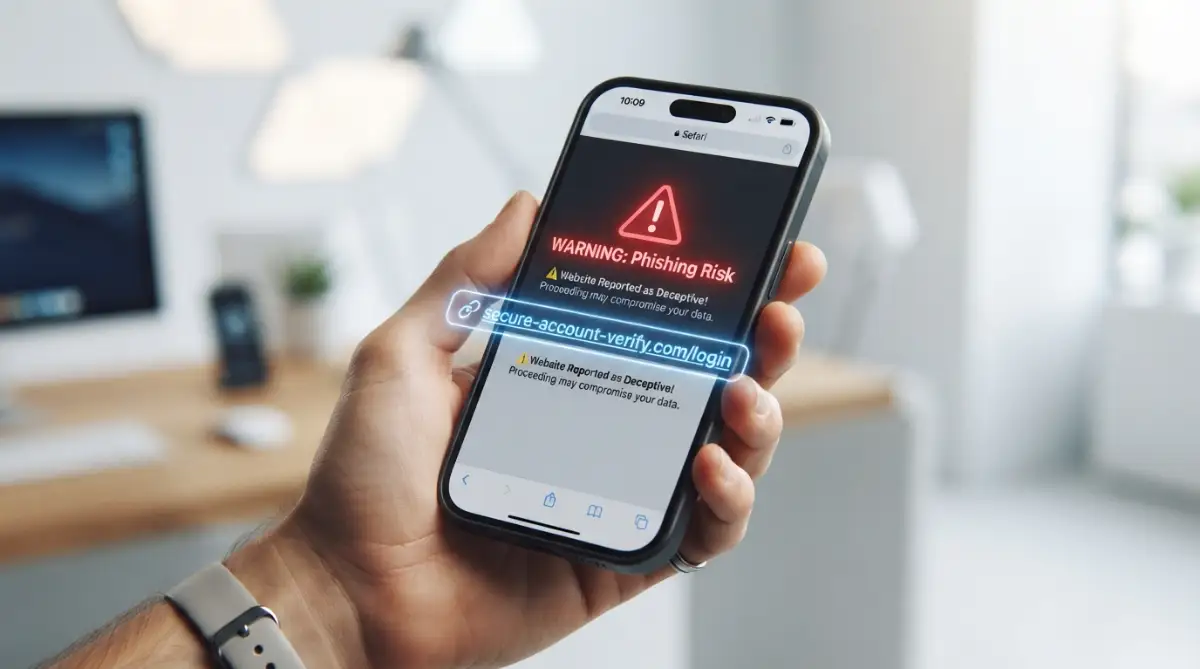
If you are using a mobile device, this process requires a slightly different approach. You have to press and hold your finger on the link until a menu pops up on your screen. This menu will display the full web address so you can read it safely before taking any action.
When you look at this destination address, pay attention to the very end of the domain name. If a link claims to take you to a famous store, but the address ends in a completely different word, it is a trap. Trust your eyes, not the shiny graphics on the button.
Spotting Subtle Red Flags in the Message Body
If the sender address and links look somewhat normal, you still need to read the actual words carefully. Professional companies spend millions of dollars making sure their communications are grammatically perfect. Scammers usually operate from different countries and often struggle with basic spelling.
Look closely for strange capitalization, weird spacing, or sentences that just sound awkward. If a message from your national bank says "Dear Customer please kindly update the password," that is a massive red flag. Legitimate institutions almost always address you by your full legal name, not generic titles.
Pay attention to the overall tone of the text as well. Professional customer service representatives are trained to be helpful and polite, never threatening. If the message uses aggressive words or threatens legal action, it is almost certainly a scam designed to scare you.
You should also check the visual formatting of the company logo and layout. Scammers often copy and paste low-quality images they find on the internet. If the logo looks blurry, stretched, or strangely colored, delete the message immediately.
The Silent Threat of Unexpected Attachments
While links are highly dangerous, unexpected files can be even worse for your device. Clicking a bad link usually takes you to a fake website, but opening a bad file can install a virus instantly. These malicious files love to hide as ordinary documents we use every day.
Scammers often disguise their traps as PDF files, fake receipts, or unrequested shipping invoices. They hope you will open the document out of pure curiosity to see what you supposedly bought. The moment you open that fake receipt, the virus quietly unpacks itself in the background.
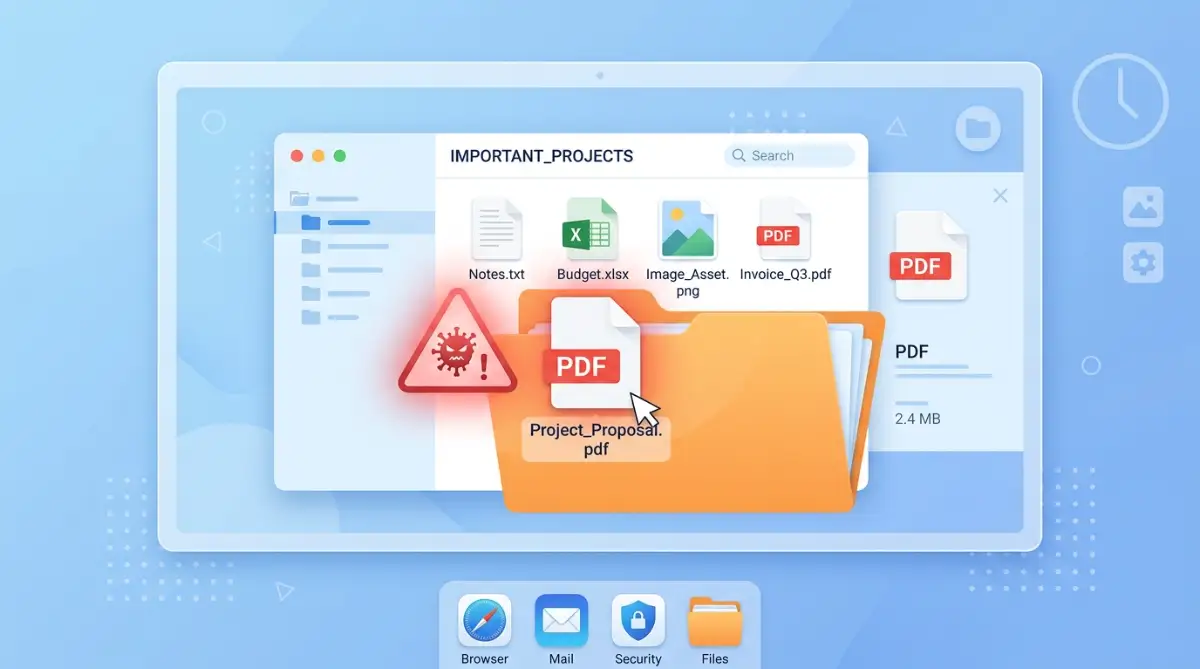
Never download or open an attachment unless you are specifically expecting it from a person you know. If a local store claims they charged your card and attached the receipt, do not open it. Instead, check your actual bank application directly to see if any money is actually missing.
You should be especially terrified of files ending in unexpected extensions. Most normal documents end in familiar letters, but dangerous files often have hidden double extensions. Always keep your antivirus software fully updated so it can scan incoming files automatically.
Navigating the Myth vs Reality of Digital Safety
There are many confusing rumors about internet safety floating around our communities. Let us clear up some of the most common misunderstandings so you can browse with confidence.
Myth: I am completely safe as long as I use a Mac or an iPhone.
Reality: Fake login pages steal your passwords directly through the internet browser, regardless of what device you hold in your hand. No brand of phone can stop you from willingly typing your password into a fake website.
Myth: The hackers will instantly steal my money if I simply open the email to read it.
Reality: Just opening a text message to read the words is generally very safe on modern email platforms. The actual danger only begins when you tap a link, download a file, or reply with your personal details.
Myth: If a website has a tiny padlock icon next to the address, it is 100% safe.
Reality: Scammers easily buy cheap security certificates to get that same padlock icon on their fake websites. The padlock just means your connection is private, not that the website owner is an honest person.
The Safest Way to Verify Any Story
Sometimes, a message looks incredibly perfect and you genuinely cannot tell if it is real or fake. In these confusing situations, you must completely bypass the message itself. This is the ultimate secret to never getting tricked again.
Close your email application entirely and open your regular internet browser. Type the official website address of the company directly into the search bar yourself. Log into your account normally and look for any official notifications directly inside your private dashboard.
If the message claims your account is locked, your dashboard will definitely show a massive alert when you log in manually. If your dashboard looks completely normal and peaceful, you instantly know the email was a complete lie. This simple habit takes ten extra seconds but guarantees absolute safety.
You can also use this same bypass method with phone calls. If you receive a scary message from a service provider, flip over your actual credit card or look at a real paper bill. Call the official phone number printed on the plastic card and ask them directly about the issue.
Protecting Your Inner Circle from Digital Harm
Once you learn how to spot these tricky traps, you have a responsibility to share this knowledge. Older family members and young teenagers are the easiest targets for these digital thieves. They often lack the technical experience to recognize a fake address or a sneaky link.
Take a few minutes to sit down with your parents or grandparents and show them these exact steps. Send them a fake message as a test and guide them on how to check the real sender address. Explain to them that their bank will never ask for their social security number through a random internet message.
By spreading this awareness, we can slowly take away the power of these online criminals. They rely on silence, confusion, and panic to steal our hard-earned money. When we stay calm, investigate carefully, and verify everything, their tricks become completely useless.
Your digital life contains your most private conversations and your financial future. Guard your inbox just like you guard the front door of your home. Never let a stranger inside just because they printed a nice logo on their shirt.
Next-Level Habits to Secure Your Digital Front Door
Building a safe environment online is not just about dodging one single trap. You have to develop long-term habits that protect you automatically, even when you are tired or distracted. The best defense is making your technology do the heavy lifting for you. This means setting up a few smart barriers between your private life and online strangers.
One of the smartest things you can do is create a separate, completely private address just for your banking and financial accounts. Most people use the same primary address for social media, newsletters, and their life savings. When you separate your money from your public profile, scammers have a much harder time finding your real financial inbox. You will instantly know something is wrong if a supposed bank notification arrives in your newsletter inbox.
Another incredibly powerful habit is learning how to read the hidden reply path of any message. Sometimes the initial sender address looks somewhat convincing at first glance. However, if you hit the "Reply" button, the destination address might suddenly change to a completely random string of letters. Never actually send the reply, but use this trick to expose their hidden drop box. You can learn more about identifying these tricky sender details and spotting warning signs early to keep your daily communications secure.
You also need to let modern security tools act as your personal bodyguard. A dedicated password manager is easily your best friend when it comes to avoiding fake login pages. These smart tools only fill in your secret passwords when they recognize the true, legitimate website. If you land on a clever copycat page, your password manager will simply refuse to work, instantly alerting you to the danger.
Let me share a quick story about my neighbor, Sarah. She got a text message about a failed package delivery and clicked the link because she was waiting for a birthday gift. The fake website looked exactly like the real post office, but her password manager stayed completely silent. That tiny moment of silence from her app saved her from giving away her credit card details.
Many people ignore the built-in filters provided by their email service providers. You can actually create custom rules that automatically block messages containing specific, aggressive phrases. For example, you can tell your inbox to automatically trash anything containing the words "Account Suspended" or "Final Warning." This simple setup removes the psychological pressure before you even have to look at the screen.
It is also highly recommended to add a secondary lock to your most sensitive accounts. This is usually called two-step verification, and it stops thieves even if they somehow steal your password. When they try to log in from their foreign computer, your phone will block them by demanding a special, temporary code. Implementing this one single step practically eliminates the threat of unauthorized access. You can find excellent guidelines on setting up these secondary locks through the national cybersecurity awareness protocols provided by government security agencies.
We must also change how we interact with customer service completely. If you have an issue with a delivery or a subscription, never use the contact buttons provided in a random message. Always keep the official customer service numbers for your most used services saved directly in your phone contacts. This completely removes the risk of calling a fake support center designed to steal your identity.
Staying safe is truly about slowing down your reaction time and taking a deep breath. Whenever you see a notification that demands immediate action, train your brain to pause for ten full seconds. In those ten seconds, your logical mind will take over from your emotional panic. This tiny pause is often the only thing standing between a normal day and a massive financial headache.
The Dangerous Traps That Catch Smart People
Even highly educated professionals fall for internet scams every single day. This happens because criminals are masters at manipulating human emotions and basic trust. One of the most common mistakes people make is believing that a familiar logo guarantees safety. Scammers can simply copy and paste an exact replica of a famous brand logo in three seconds.
People often let fear completely override their basic common sense when money is involved. If a message claims you owe thousands of dollars in unpaid taxes, your brain immediately enters panic mode. You might click the glowing payment link simply because you want the terrifying problem to disappear quickly. This emotional blind spot is exactly what thieves rely on to empty your bank accounts.
Another massive mistake is attempting to investigate a dangerous attachment out of pure curiosity. You might receive a fake receipt for an expensive computer you never actually purchased. Many people will download and open that receipt file just to prove to themselves that it is a mistake. The exact second that file opens, a hidden virus silently installs itself into your computer system.
Trusting the phone numbers written directly inside a suspicious message is also a terrible idea. Some thieves are getting smarter by not including any clickable links at all. Instead, they provide a fake customer service phone number and beg you to call them immediately. If you dial that number, you will speak to a professional con artist who will smoothly talk you out of your private details.
Sometimes, we accidentally make the problem much worse by trying to warn our friends and family. A person might forward a scary warning message to their entire contact list without verifying if it is real. This accidentally spreads the dangerous links to people who trust you implicitly. By trying to be helpful, you might accidentally lead your own mother or best friend right into a trap. If you find yourself in a scary situation where an accidental click happens, you need to know exactly what to do when you accidentally click to limit the damage immediately.
Ignoring small visual details is another trap that costs people dearly. Our brains are designed to read words quickly, so we often miss tiny misspellings in domain names. A scammer might use "rnicrosoft.com" instead of "microsoft.com," using an 'r' and an 'n' to trick your eyes. If you do not actively train yourself to read web addresses slowly, you will eventually walk right through a fake door.
Reusing the exact same password everywhere turns a tiny mistake into a total catastrophe. If you use the same secret code for your favorite forum and your primary bank, you are taking a massive risk. If a thief steals your password from one silly website, they will immediately test it on every financial institution they can find. If you ever feel that your personal information was exposed, you should immediately review the identity theft recovery steps to freeze your credit and protect your future.
Finally, relying completely on automated spam filters gives people a false sense of security. While major tech companies do their best, thousands of brand-new scam messages slip through the cracks daily. You cannot blindly trust that a message is safe just because it landed in your main inbox folder. You are always the final and most important line of defense for your own personal data.
Your Daily Action Plan for Inbox Peace of Mind
Taking control of your digital life does not require a degree in computer science. It simply requires a calm mindset and a willingness to question everything that lands on your screen. You have the power to stop these invisible thieves just by changing a few small daily habits. Remember that nobody has the right to demand your personal information through an unverified digital message.
Start today by completely changing how you interact with embedded links and flashy buttons. Make a personal promise to always type the website name directly into your browser instead of clicking the shortcut. This one simple adjustment will practically eliminate your chances of landing on a dangerous copycat page. You can easily master these visual checks by learning how to tell if an email is fake through consistent practice.
Take five minutes this weekend to turn on two-step verification for your primary email and banking applications. Yes, it takes an extra few seconds to log in, but the peace of mind is absolutely worth it. You will sleep much better knowing that even if someone guesses your password, they are still locked out. For more daily guides on protecting your devices, you can always visit our main resource hub at SmartInfo36 anytime.
I know how incredibly stressful it feels to second-guess every single notification you receive throughout the day. My own heart has raced more than once when an unexpected alert popped up on my screen demanding immediate payment. But once I started treating my inbox like a secure vault rather than an open door, that daily anxiety completely disappeared. You have the absolute power to protect your digital home, and it starts with taking that one slow, deep breath before you ever decide to click.
Frequent Questions Regular Users Ask About Inbox Safety
Can I get hacked just by opening a bad email?
Simply clicking on a message to read the text inside is generally very safe on modern devices. The actual danger only starts when you tap a link, download an attached file, or reply with your personal details. Modern software usually prevents viruses from downloading just by opening the text view.
Does replying to a scammer put me at risk?
Yes, replying is a very bad idea because it tells the criminals that your address is active and monitored by a real person. Once they know you are paying attention, they will target you with hundreds of new tricks and annoying spam. It is always best to silently delete the message without making any contact.
How do I report a dangerous message securely?
Most modern inbox applications have a built-in button specifically for reporting spam or malicious attempts. By using this button, you send a copy of the hidden data to your provider so they can block it for everyone else. If a message pretends to be a real company, you can also forward it directly to that company's official fraud department.
Are text message links safer than computer links?
Absolutely not; in fact, text message scams are currently one of the fastest-growing threats globally. Because mobile screens are smaller, it is actually much harder to see the full destination address before you tap. You should treat unrequested text message links with the exact same suspicion as a computer message.
Why do these fake messages keep reaching my main inbox?
Scammers constantly change their sending addresses and rewrite their text to bypass automated security filters. It is a constant game of cat and mouse between major tech companies and global criminal networks. This is exactly why you must remain highly observant, even if a message bypasses your automatic spam folder.
Disclaimer: The information provided in this article is for educational and informational purposes only and should not be construed as professional cybersecurity or financial advice. Always consult with certified IT professionals or your official banking institution if you suspect your personal data has been compromised.