Why I Almost Gave Up on Automating My House
Look, trying to make your house 'smart' usually ends in two things: an empty wallet and a massive headache. You buy a bunch of random hubs and bulbs, thinking your lights will magically turn on when you walk in. But instead, you are fighting with five different apps just to turn off a living room lamp. Let's skip the expensive tech-bro setups. You can actually build a highly responsive, automated environment for less than the cost of a decent dinner out, and you do not need a degree in computer networking to pull it off.
Every time I tried to add a new device, it felt like I was burning money. I downloaded five different apps just to control a few basic lamps and a single security camera. That was the exact moment I realized building a connected house shouldn't require winning the lottery.
Most people give up on home automation because the tech industry makes it look like a luxury only the rich can afford. We see flashy videos of massive mansions with automated everything, and we think our own small apartments or modest houses are not worthy. This unrealistic expectation causes regular folks to feel excluded from the convenience of modern technology.
It does not have to be this way. You absolutely can transform your living space into a highly responsive, automated environment without emptying your savings account. By taking a strategic approach, you can enjoy all the comfort and security of high-end setups for a fraction of the cost.
Fast Takeaways for Budget Automation:
-
Smart plugs are your cheapest weapon—upgrade your old lamps and fans instead of buying new ones.
-
You do not need an expensive hub; standard Wi-Fi devices work perfectly for beginners.
-
Stick to one central voice assistant app (like Google or Amazon) to hide the clutter of messy brand apps.
-
Always separate your router's 2.4GHz and 5GHz bands to stop your gadgets from randomly disconnecting.
People often assume you need thousands of dollars to get started with voice commands and automated routines. This is simply not true. You can actually begin your journey with less than the cost of a decent dinner at a restaurant.
The trick is learning how to bypass the overpriced premium brands and focusing on highly functional, affordable alternatives. When you stop chasing the luxury labels, you suddenly open up a world of reliable technology that works just as well.
A smart environment is simply a collection of devices that talk to each other to make your daily routines easier. You do not need a fully integrated central wiring system built into your walls. You just need a solid wireless connection and a few carefully chosen gadgets to make magic happen.
Figuring Out What You Actually Need
Before you spend a single dime, you must identify your biggest daily annoyances. Do you always forget to turn off the coffee maker before leaving for work? Do you hate walking into a pitch-black apartment after a long day?
By writing down your most common frustrations, you create a personalized roadmap for your purchases. This prevents you from buying useless gadgets that will just sit in a drawer collecting dust. Targeted problem-solving is the secret to keeping your expenses incredibly low.
For example, if security is your main worry, you should focus your small budget on a good entryway camera and a few door sensors. If comfort is your goal, lighting and temperature control should be your starting point. Do not try to solve every problem at once.
Picking the Right Brain for Your Setup
Every connected house needs a brain to process your commands and run your routines smoothly. You generally have three main choices for affordable voice assistants: Google Assistant, Amazon Alexa, and Apple HomeKit.
For anyone on a strict budget, Amazon Alexa and Google Assistant are by far the best options. They support thousands of affordable third-party brands, giving you endless choices for cheap accessories. You can pick up their entry-level smart speakers during holiday sales for very little money.
Apple HomeKit is incredibly secure, but compatible devices usually carry a premium price tag. If you want to save cash, skipping the Apple ecosystem is usually a smart move. Stick to platforms that openly welcome budget-friendly manufacturers.
Once you pick a platform, try to stick with it. Mixing different assistants can lead to confusion and a cluttered phone filled with unnecessary applications. A unified system makes managing your home a pleasant experience.
Smart Plugs: Your Secret Weapon for Cheap Automation
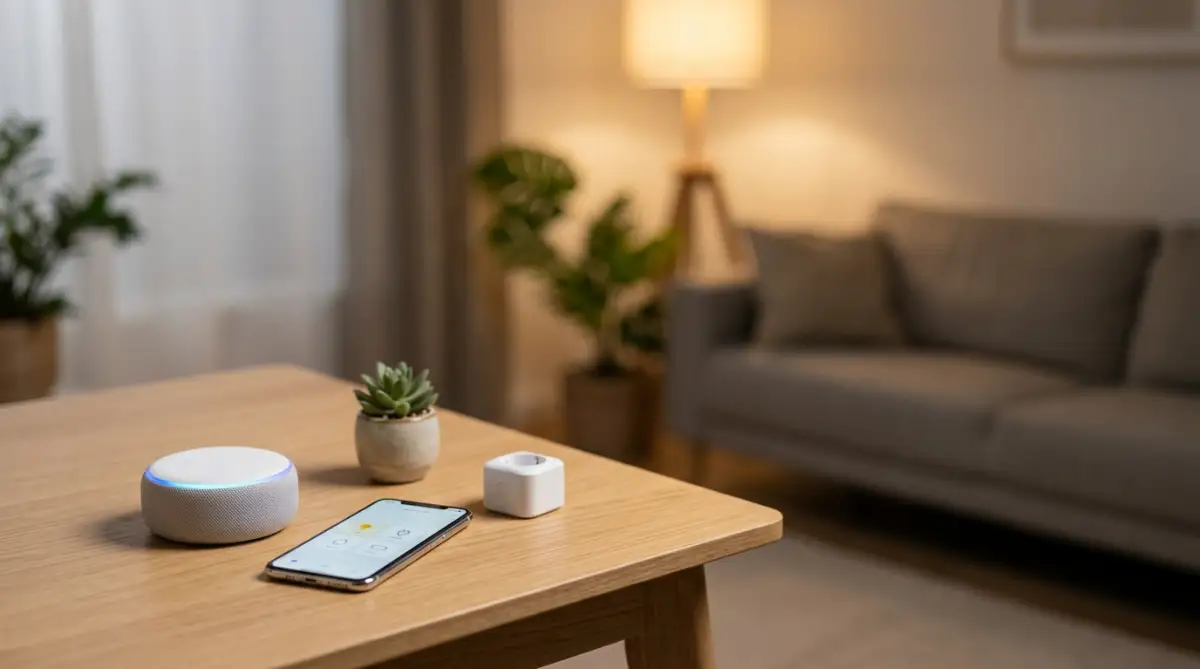
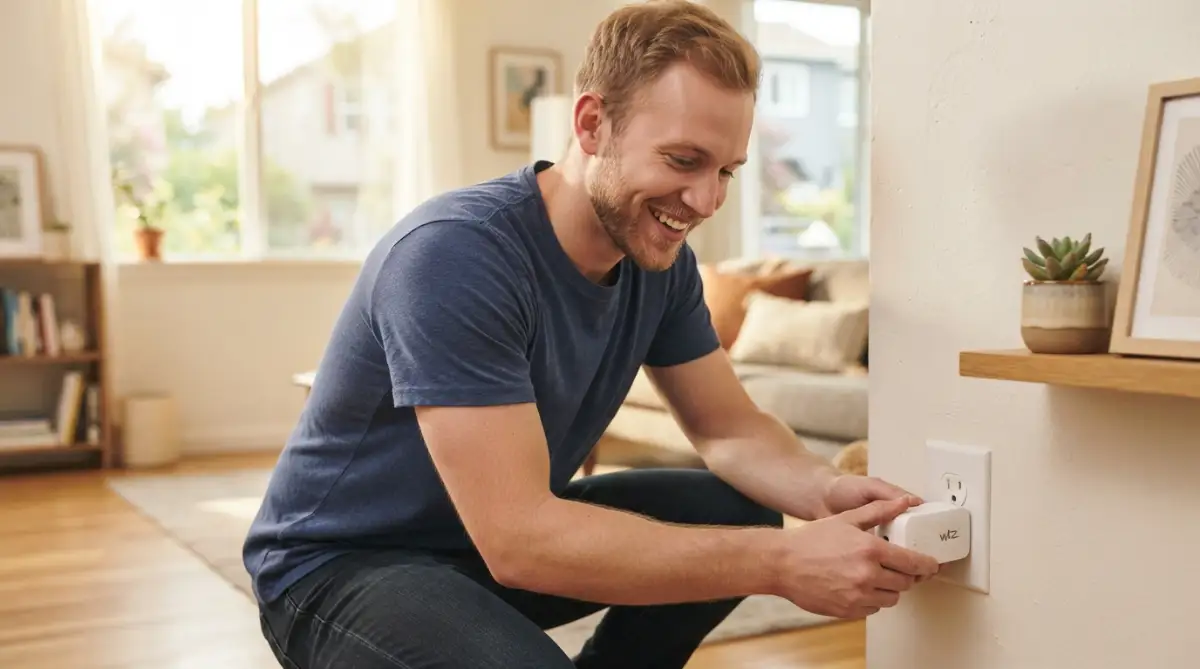
If you want the absolute highest return on your investment, start by buying a multi-pack of smart plugs. These tiny adapters plug directly into your existing wall outlets and instantly upgrade your "dumb" appliances.
You can plug your old living room lamp, your box fan, or your slow cooker into these devices. Suddenly, you can control all of them with your voice or a schedule on your phone. This completely removes the need to buy brand-new, expensive smart appliances.
Watch this incredibly simple breakdown of how budget automation can change your daily routine instantly.
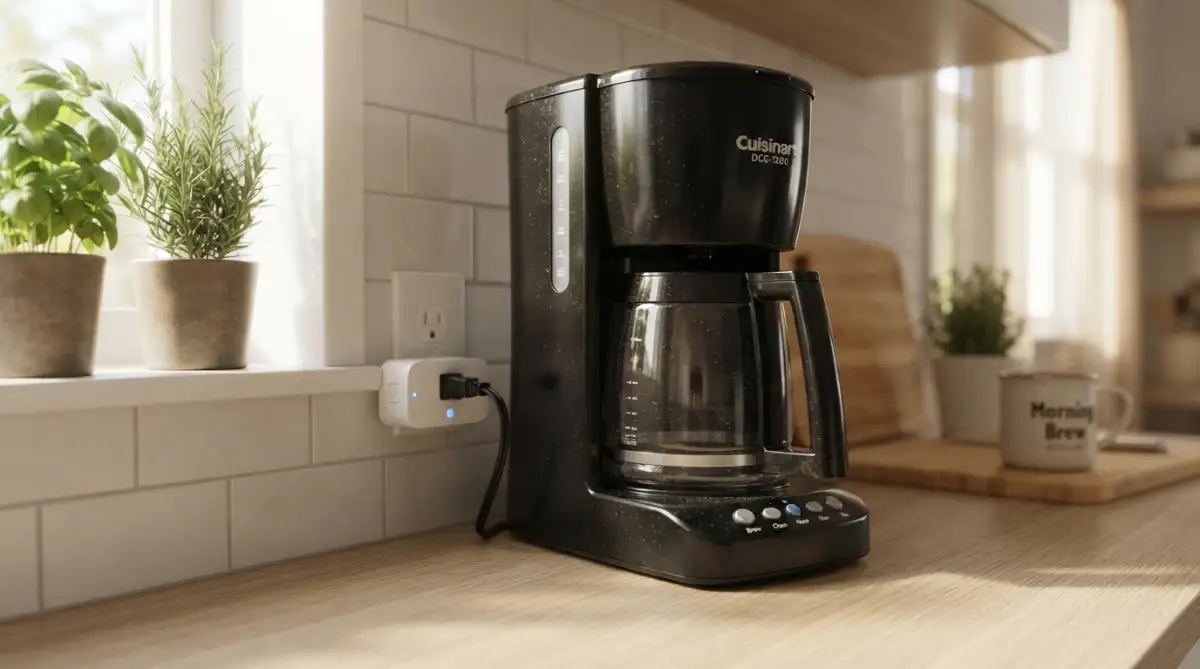
I recommend putting one on your coffee maker so it starts brewing right before your alarm goes off in the morning. Put another one on your space heater so your bedroom is warm before you even step through the door. The possibilities are endless, and the cost is incredibly low.
My Go-To $35 Starter Budget:
-
4-Pack of Wi-Fi Smart Plugs: $15 (Great for lamps and fans)
-
2 Basic Wi-Fi Color Bulbs: $10 (Perfect for the living room)
-
1 Entry-level Door Sensor: $10 (Peace of mind for the front door)
Total: $35. That is all you need to start seeing the actual value of an automated daily routine.
My Biggest Mistake with Cheap Devices
I used to buy the absolute cheapest off-brand devices I could find online, thinking I was scoring a massive deal. My entire system would constantly freeze up, and I spent hours just trying to reset my connection. Now, I always stick to trusted budget brands with strong Wi-Fi chips, which saves me both money and my sanity.
It is better to spend an extra two dollars on a plug from a well-known budget brand than to buy a no-name device that drops off your network daily. Reliability is worth a tiny bump in price. Always read customer reviews to ensure the connection stays stable over time.
Lighting Up Your Rooms Without Draining Your Wallet
Next to smart plugs, lighting is the easiest way to make your house feel like something out of a science fiction movie. But replacing every single light bulb in your house at once is a terrible financial decision.
Start with the rooms where you spend the most time, like your living room and your primary bedroom. You only need two or three color-changing LED bulbs to completely change the mood of a space. For hallways and bathrooms, stick to cheaper, dimmable white bulbs to save extra cash.
Instead of buying expensive brand-name lighting systems that require a separate hub, look for Wi-Fi-enabled bulbs. These connect directly to your home router, eliminating the need to buy additional equipment. Just make sure your wireless router can handle a few extra connections.
If you have a ceiling fan or a fixture with multiple bulbs, do not buy smart bulbs at all. Instead, hire an electrician to install a single smart wall switch. Upgrading the switch controls all the standard bulbs at once, which is much cheaper than buying five individual connected bulbs.
Free Automations You Can Set Up Today
The true power of a connected home is not in the devices themselves, but in how they work together without you lifting a finger. You do not need to spend extra money to create powerful daily routines. The free applications provided by Google and Alexa are more than enough to get started.
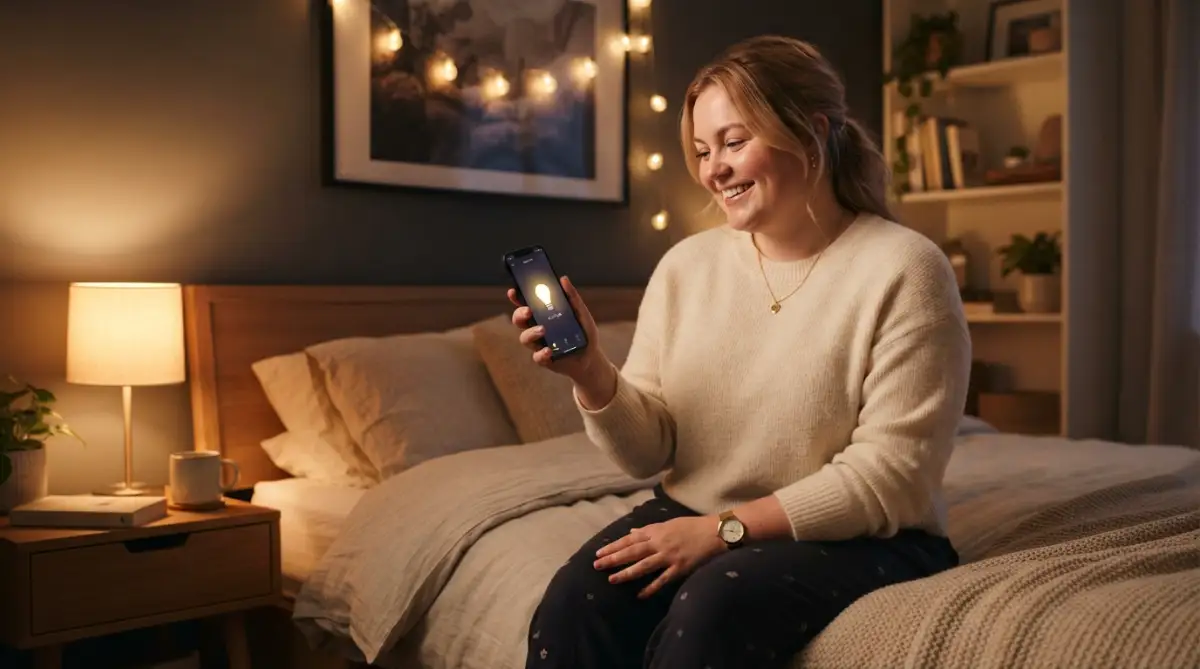
You can set a "Good Morning" routine that triggers when you dismiss your phone alarm. This routine can automatically turn on your bedroom light to 20 percent brightness, start the coffee maker via a smart plug, and read you the daily weather forecast.
You can also create location-based routines using the GPS on your smartphone. Imagine your living room lights turning on automatically the second you pull into your driveway after dark. Setting this up costs absolutely zero dollars and makes you feel incredibly secure.
Securing Your Space Without Paying Monthly Fees
Home security is traditionally one of the most expensive things you can buy for your property. Monthly subscription fees for monitoring services will quickly destroy any tight budget. Thankfully, the budget tech market has completely revolutionized home security.
You can find excellent indoor wireless cameras for a very low price. Look for models that offer local storage through a MicroSD card slot. This allows you to record video footage directly to the camera, completely avoiding those annoying monthly cloud storage fees.
Combine a cheap indoor camera with a few budget-friendly magnetic door sensors. Place these sensors on your front door and your ground-floor windows. If a door opens while you are at work, your phone will instantly receive a notification, allowing you to check your camera feed in real time.
Understanding Wi-Fi vs. Zigbee for Budget Builders
As you start buying more devices, you will likely hear tech enthusiasts arguing about different connection protocols like Wi-Fi and Zigbee. Do not let this technical jargon intimidate you or force you into buying expensive gear.
Wi-Fi devices are the best choice for beginners on a budget because they do not require any extra hubs. You simply connect them to your router, and they work right out of the box. However, if you add too many Wi-Fi gadgets, they can slow down your home internet speed.
Zigbee devices communicate on a completely different frequency, which keeps your home internet fast and uncluttered. They do require a separate hub to work, which means an extra upfront cost. If you are just starting and only plan to buy five or six gadgets, stick entirely to Wi-Fi to keep your costs at rock bottom.
Quick Myth vs. Fact on Connections:
-
Myth: Wi-Fi devices are always slower than Zigbee.
-
Fact: If you have under 15 devices and a modern router, you will not notice any speed difference at all.
-
Myth: You must buy a $100 hub to have a good setup.
-
Fact: Your current Wi-Fi router is already acting as the only hub you need for a basic setup.
Dealing with Messy Apps and Clutter
One of the biggest headaches of building a cheap system is ending up with a folder full of different apps on your phone. Every budget brand has its own application for setup and control. This can quickly turn your smartphone into a confusing mess.
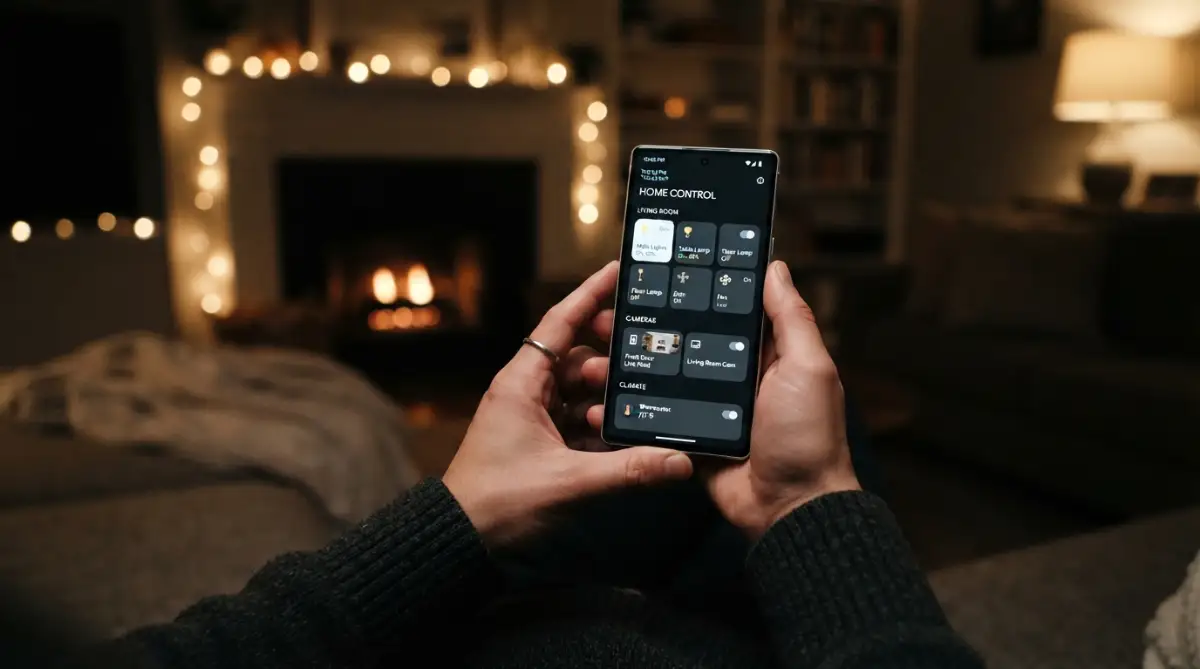
The secret to fixing this is using your main voice assistant app as your central dashboard. Whether you chose Google Home or Amazon Alexa, you can link all those separate brand accounts into one single place.
Once you link the accounts, you rarely ever need to open the individual brand applications again. You can organize all your cheap lights, plugs, and cameras into designated "Rooms" within your main dashboard. This makes controlling a mixed-brand, budget-friendly setup feel just as premium as a wildly expensive system.
Maximizing Holiday Sales and Discounts
Patience is the greatest tool you have when building a connected space on a budget. Technology companies regularly slash their prices during major shopping events throughout the year. Never buy your equipment at full retail price if you can avoid it.
Keep an eye out for bundled deals where companies sell a smart speaker packaged together with a free smart bulb or plug. These starter kits are heavily subsidized by the manufacturers to get you into their ecosystem. You can easily build the foundation of your entire setup just by hunting down these bundles.
Sign up for price-tracking alerts on major retail websites. When that specific indoor camera or LED light strip hits your target price, you will get an email notification. Buying slowly and methodically guarantees you will always stay well within your financial limits.
Taking Your Affordable Setup to the Next Level
Once you have a few plugs and light bulbs working together, you will naturally want to push the boundaries of what your house can do. You do not need to hire expensive programmers or buy premium software to unlock powerful automations. The true magic happens when you start combining simple commands to create chain reactions.
Most beginners stop at basic voice commands, like asking their speaker to turn on a single lamp. To get real value out of your investment, you should start exploring multi-layered routines. This means making one single event trigger three or four different actions simultaneously.
For instance, you can buy a single budget motion sensor and place it at the bottom of your staircase. When you walk downstairs at night, that one sensor can tell your hallway lights to turn on at ten percent brightness. It can also tell your living room fan to turn on and send a silent notification to your phone.
Mastering the Wireless Network Secret
The biggest secret to maintaining a responsive environment is understanding how your wireless network actually handles device traffic. Nearly all budget-friendly gadgets operate exclusively on the 2.4GHz wireless band rather than the newer 5GHz band. Many people get incredibly frustrated when their new devices refuse to connect during the initial setup process.
This happens because modern routers combine both wireless bands into one single network name. Your smartphone might be connected to the 5GHz band, making it impossible to communicate with the 2.4GHz smart plug you are trying to install. You can completely avoid this headache by logging into your router and separating the two bands.
By giving your 2.4GHz network a different name, you create a dedicated highway just for your automated gadgets. This prevents your heavy video streaming traffic from interfering with your light switches and cameras. If you want a deeper dive into network optimization, you should definitely look into fixing slow Wi-Fi connections to keep everything running smoothly.
Naming Your Devices Like a Professional
One of the most powerful habits you can develop early on is creating a strict naming system for every single gadget you buy. If you just leave the default names like "Smart Plug 3" or "Light Bulb B," your voice assistant will become incredibly confused. You will end up shouting at your speaker multiple times just to get the right light to turn on.
Always name your devices based on the room they are in and their specific function. A great example is naming a bulb "Master Bedroom Ceiling Light" or "Kitchen Coffee Maker Plug." This makes it incredibly easy for your voice assistant to understand exactly what you want without any guesswork.
If you have multiple people living in your house, this simple naming convention prevents daily arguments and frustration. Everyone will naturally know what to call the devices without needing to memorize a complicated list. It makes the entire system feel seamless and professionally installed.
Understanding Device Privacy on a Budget
When you buy highly affordable technology, you must take extra steps to protect your personal privacy. Cheaper brands sometimes offset their low prices by collecting and sharing your usage data. You should always read the privacy settings in your device applications and turn off any unnecessary data sharing.
Many budget cameras and speakers come with physical privacy shutters or mute buttons for a reason. Make it a habit to physically mute your voice assistants when you are having private family conversations. You can easily stay updated on how to protect your data by reading up on recent research on connected device privacy from trusted academic sources.
You should also regularly clear your voice recording history inside your Google Home or Amazon Alexa application. These companies store audio clips to improve their voice recognition, but you do not have to leave them there forever. Taking just five minutes a month to delete this history gives you total peace of mind. You might also want to consider disabling hidden tracking identifiers on your phone to keep your home application usage completely private.
The Power of Local Control vs Cloud Processing
As you get more comfortable with your setup, you will start noticing a slight delay between giving a command and the action happening. This delay occurs because your voice command has to travel to a distant cloud server, process the request, and travel back to your house. This entire trip takes a second or two, which can sometimes feel mildly annoying.
To bypass this delay, you can look for budget devices that support "local control" features. Local control means the device communicates directly with your phone or hub over your home network without needing the internet. This makes your lights turn on instantly, exactly like flipping a traditional wall switch.
Even better, devices with local control will continue to function perfectly even if your internet connection goes down during a storm. Your house will remain fully automated and responsive because the commands never leave your living room.
Hidden Traps That Will Ruin Your Automation Setup
Building an affordable system is incredibly exciting, but that excitement often leads people to make rushed, expensive mistakes. I have seen so many beginners completely ruin their living spaces because they ignored a few basic principles of home technology. The worst part is that these mistakes usually cause people to abandon the project entirely out of pure frustration.
One of the most common ways people destroy their setup is by buying everything all at once. They go online, fill their digital shopping cart with twenty different cheap gadgets, and try to install them on a Sunday afternoon. This always results in network crashes, overlapping app conflicts, and a massive headache.
You must introduce new technology into your daily routine very slowly. Buy one or two devices, install them properly, and use them for a week before expanding your system. This slow approach lets you figure out what actually works for your specific lifestyle.
Ignoring Essential Security Updates
When you purchase highly affordable technology, the manufacturer will occasionally send out software updates to fix bugs and close security holes. Unfortunately, most people completely ignore these update notifications because they just want their devices to work right away. This is a massive mistake that leaves your entire home network wide open to digital intruders.
Hackers actively search for outdated smart plugs and cameras because they are incredibly easy targets. Once they gain access to a cheap, unpatched device, they can use it as a backdoor to access your personal computers or smartphones. Taking five minutes to approve an update can literally save you from identity theft.
You should make it a monthly habit to open all your manufacturer apps and check for available patches. If you want to understand exactly why this matters, you should learn about the real importance of firmware updates for keeping your digital life secure. Additionally, consider securing your home network from outside threats by changing your default router passwords immediately.
Overcrowding Your Internet Router
Every single Wi-Fi bulb, plug, and camera you buy demands a small slice of your internet bandwidth. Most internet service providers give you a very cheap, basic router when you sign up for their service. These basic routers are simply not designed to handle thirty different gadgets communicating at the exact same time.
If you ignore your router's limitations, your devices will randomly disconnect and show up as "offline" in your application. Your security cameras might fail to record a break-in simply because the router dropped the connection. Your voice assistant might just flash a red ring and say it cannot reach the internet.
Before you buy your fifteenth budget smart bulb, you need to verify how many devices your current router can actively handle. You might need to invest a little money into upgrading your home network equipment before adding more gadgets. To get a better idea of how experts handle this, check out government recommended cybersecurity standards for securing heavy home networks safely.
Chasing Unnecessary Gadget Trends
The technology market is flooded with highly specific, gimmicky devices that promise to change your life but actually do nothing useful. You will see advertisements for connected water bottles, automated pet feeders with lasers, and even Wi-Fi-enabled toasters. Buying these trendy items is the fastest way to drain your automation budget.
A smart environment should only solve actual, measurable problems in your daily routine. If turning on a toaster manually only takes you two seconds, you do not need to spend fifty dollars to automate it. Ask yourself if the device will save you significant time or provide measurable peace of mind before clicking the buy button.
By avoiding these useless gadgets, you keep your cash reserved for things that actually matter. You can redirect those funds toward finding the best home security cameras without monthly fees to protect your family. Always prioritize safety, security, and lighting over silly internet trends.
Putting Cameras in the Wrong Places
Budget indoor cameras are incredibly tempting because you can easily buy a three-pack for the price of one premium camera. However, this affordability often leads people to place cameras in highly inappropriate or private areas of their house. Putting an internet-connected camera in a bedroom or a primary bathroom is an absolute privacy disaster waiting to happen.
No matter how strong your passwords are, there is always a tiny risk that a server breach could expose your video feeds. You should only place indoor cameras in common areas like the living room, the main hallway, or pointing directly at the front door. This gives you the security you need without compromising your family's personal privacy.
Always look for cameras that offer physical privacy shields that you can manually close when you are home. If you want unbiased opinions on which affordable cameras respect your privacy, you can read through independent budget device testing reports before making a purchase.
Your Blueprint for a Smarter Tomorrow
Start by identifying the one single task that annoys you the most every single day. Buy a cheap, reliable smart plug or a single Wi-Fi bulb to automate that specific task tomorrow morning. Once you experience the joy of walking into a perfectly lit room without touching a switch, you will completely understand the value of this technology.
Remember to keep your device names simple, update your firmware regularly, and avoid overloading your basic internet router. By taking things one step at a time, you build a stable and secure system that works entirely in the background. You are not just buying gadgets; you are buying yourself extra time and mental peace.
I actually started my entire home automation journey with just one single ten-dollar plug attached to a dusty bedroom lamp. That one tiny purchase completely changed how I interact with my living space, and it proved to me that convenience is truly affordable. Take that first small step today, and I promise you will never want to go back to flipping manual switches again.
Common Questions About Affordable Automations
Do I need to buy an expensive central hub to get started?
No, you absolutely do not need a central hub if you stick to Wi-Fi-enabled devices. Gadgets running on Wi-Fi connect directly to your existing home internet router. This is the cheapest and easiest way for beginners to start automating their house immediately.
Will my smart devices work if the internet goes down?
If your devices rely solely on cloud processing, they will temporarily stop responding to voice commands during an internet outage. However, gadgets that offer local control or communicate over Bluetooth will continue to function normally. You can always turn things on and off manually like traditional appliances until the connection returns.
Can I mix different budget brands in the same house?
Yes, you can easily mix multiple affordable brands as long as they are compatible with your chosen voice assistant. You just link each brand's account into your main Google Home or Amazon Alexa application. This creates a unified dashboard where everything works together seamlessly.
Are cheap smart devices easy to hack?
Affordable devices can be vulnerable if you leave them on default factory settings and ignore software updates. You can easily secure them by using a strong, unique Wi-Fi password and keeping the device firmware updated. Following basic network security practices keeps your budget gadgets incredibly safe.
Do smart bulbs actually save money on electricity?
Yes, because almost all smart bulbs use highly efficient LED technology, which consumes very little power. Furthermore, setting up automatic timers ensures your lights turn off when nobody is in the room. Over time, these small energy savings can naturally help lower your monthly electricity bill.
Disclaimer: The information provided in this article is for educational and informational purposes only. While every effort has been made to ensure the accuracy of the technology and security tips discussed, network environments and device compatibility vary by user. We do not take responsibility for any device malfunction, data loss, or security breaches that may occur. Always consult official manufacturer guidelines and practice safe networking habits when installing internet-connected devices in your home.