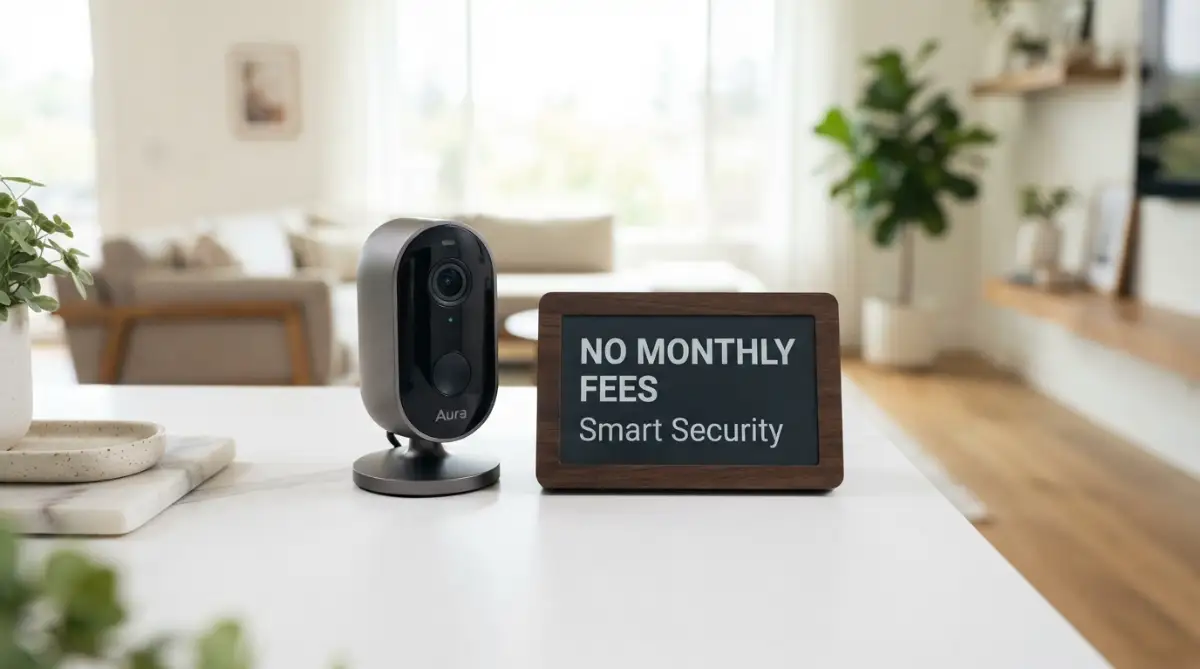
The Reality of Hidden Home Protection Costs
You finally set up that shiny new security camera, expecting total peace of mind. Instead, just three days later, a notification pops up asking for $10 a month just to see who left a package on your own front porch. Sound familiar? I fell into this exact trap, quickly realizing my expensive gadget was basically a useless piece of plastic without a paid cloud plan. But here is the good news: you do not have to pay these sneaky recurring fees. Let me show you how to lock down your home security without ever paying a ransom for your own video footage.
Everything seemed perfectly fine until the third day. A notification popped up on my phone demanding ten dollars a month just to review the video clips my own camera had recorded. I felt completely tricked and incredibly frustrated by this sudden paywall. My heart sank as I realized my shiny new gadget was basically a useless plastic ornament unless I agreed to that endless paid plan. This unfair experience started my long journey of breaking free from those hidden traps once and for all.
People everywhere are dealing with this exact same headache every single day. You buy a smart device to protect your family, but instead, it instantly becomes just another monthly bill. It quietly drains your bank account, month after month, year after year.
Worse than the money is the horrible anxiety that comes with these cloud plans. If your credit card suddenly expires or the payment fails, your home is left completely unprotected in an instant. That constant, nagging worry completely destroys the mental peace you wanted when you bought the system.

What You Will Learn in the Next 3 Minutes:
-
Why "cheap" smart cameras actually drain your bank account over time.
-
How local storage setups (MicroSD and NVR) keep working even without an active internet subscription.
-
The simple app settings to tweak so your phone stops buzzing over fake motion alerts.
-
Real-world mounting tricks to avoid night-vision glare and bad lighting.
How to Secure Your Home Without Paying Cloud Ransoms
You do not have to accept these unfair monthly bills as a normal part of life. There are highly effective, completely legal, and incredibly safe ways to protect your property without sending a single penny to a cloud server company. Taking back your privacy and your wallet simply requires understanding a few basic concepts about how modern devices store data. Let us walk through exactly how you can build a robust, fee-free system right now.
Understanding The Magic of Local Storage
The biggest secret the big tech companies try to hide from you is the power of local storage. Instead of sending your private videos through the internet to a random server farm, a local storage camera saves everything right there inside the device. This is usually done using a tiny memory chip called a MicroSD card.
Think of a MicroSD card as a private, unbreakable vault located inside your own home. When the postman walks up your driveway, the camera records the movement and instantly locks that video into the card. You can open your phone app from anywhere in the world and view that video directly from your own vault.
This means there is absolutely no middleman involved in your home protection. You pay for the memory card once, and it serves you faithfully for years without ever asking for a monthly check.
Quick Cost Reality Check:
-
Buying a $30 Cloud Camera = $120/year in hidden subscription fees. (Total Year 1 Cost: $150)
-
Buying a $60 Local Storage Camera + $15 High-Endurance SD Card = $0 in fees. (Total Year 1 Cost: $75)
By year two, that "cheap" cloud camera actually robs you of hundreds of dollars, while the local camera costs you nothing extra.
Watch this quick breakdown to see the real-time difference between local AI and slow cloud processing.
Choosing the Right Memory for Continuous Protection
Many beginners make the simple mistake of grabbing the cheapest memory card they can find at the local store. Standard memory cards are built for cameras that take occasional photos, not for devices that record video all day and night.
I used to buy the cheapest memory cards for my outdoor setups, which was a huge mistake. Within two months, the summer heat totally fried my SD card, and I lost all my footage of a package theft. Always spend a few extra dollars on 'High Endurance' SD cards designed specifically for continuous loop recording.
These high endurance cards are specially tested to withstand extreme heat, freezing cold, and constant data writing. When the card eventually gets full, it simply deletes the oldest, useless video clip to make room for the new one. This automatic loop recording means you never have to climb up a ladder to take the card out and manually erase it.
Moving Up to Network Video Recorders (NVR)
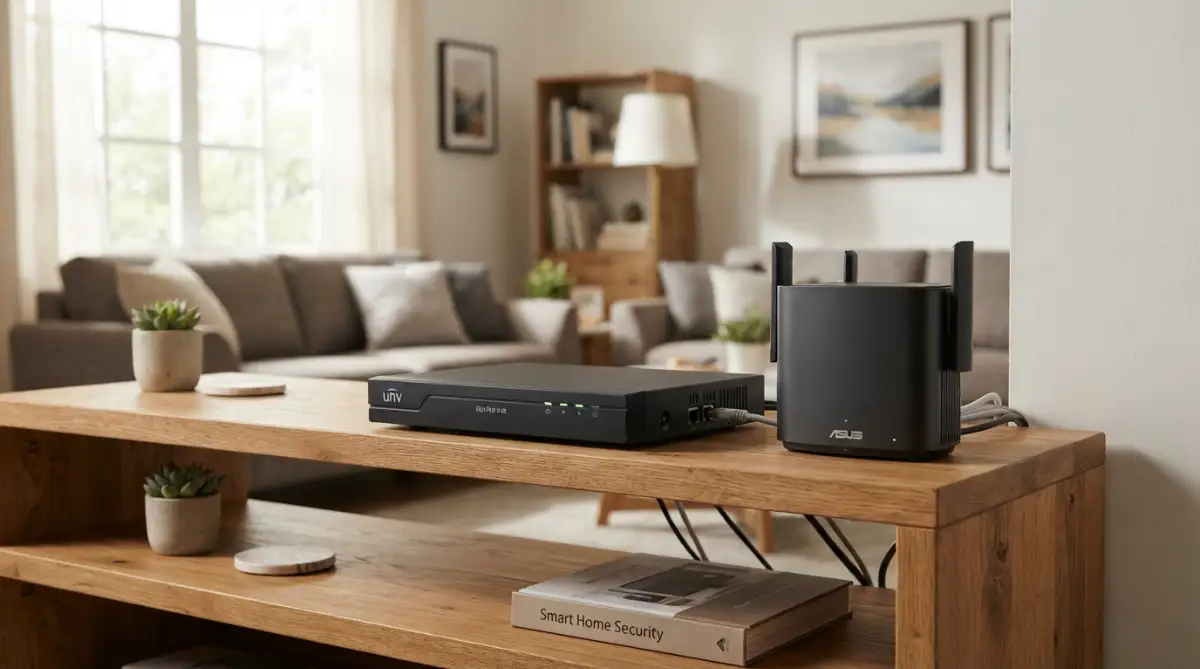
If you have a large property or want to install four or five cameras around your house, relying on tiny SD cards might feel a bit unorganized. This is where a Network Video Recorder, commonly called an NVR, becomes an amazing solution. An NVR is basically a dedicated hard drive box that sits safely inside your house, usually next to your internet router.
Instead of storing videos on the cameras themselves, all your cameras send their video feeds directly to this safe, indoor box. The storage capacity of an NVR is absolutely massive compared to a small memory card. You can easily store weeks or even months of continuous, high-definition video before the system needs to loop over old footage.
Because the NVR is securely locked inside your home, a thief cannot simply steal the outdoor camera to destroy the evidence. The moment they step on your property, their face is already recorded and saved safely inside your living room. This offers an incredibly high level of professional security without any recurring fees.
How On-Device Artificial Intelligence Works
One of the main reasons companies say you need a subscription is to access their "smart AI features" in the cloud. They claim you need their massive computers to tell the difference between a tree branch blowing in the wind and a real human walking by. A few years ago, this was actually true, but technology has rapidly changed.
Today, the smartest cameras come with their own built-in artificial intelligence chips right on the main circuit board. This means the camera itself has a mechanical "brain" that is smart enough to instantly recognize humans, pets, and vehicles on its own. It does not need to send your video to the internet to figure out what is happening on your lawn.
Because the thinking happens directly on the device, you get alerts on your phone significantly faster. A cloud-based camera has to upload the video, process it far away, and send an alert back, which can take ten annoying seconds. An on-device AI camera recognizes a person and pings your phone almost instantly, giving you extra time to react.
The Ultimate Privacy Advantage
When you stop paying for cloud plans, you also take a massive step toward protecting your family's deep personal privacy. When you upload videos to a company's cloud, you are technically trusting their employees and their security systems with your most private moments. Unfortunately, history shows us that big servers frequently get hacked, and private videos often get leaked onto the internet.
By keeping all your data locally on an SD card or an NVR, you completely cut off outside access. Nobody can view your living room or your backyard unless they physically break into your house and steal the actual hard drive. You are no longer just a helpless data point in some massive corporate server farm.
How Remote Viewing Actually Works For Free
A very common myth is that if you do not pay for the cloud, you cannot see your cameras while you are at work or on vacation. This is completely false. Modern local-storage cameras use a clever technology called a Peer-to-Peer (P2P) network connection.
When you open the free app on your phone at your office, the app securely shakes hands directly with the camera sitting at your house. The video streams straight from your memory card to your phone screen in real time. The camera company simply provides the secure tunnel for the connection, but they do not store the video themselves.
This means you can easily check on your sleeping dog from a beach hundreds of miles away without paying any monthly fees. As long as your home internet is active and your phone has a signal, you remain fully connected to your property.
Myth vs Reality: The Subscription Trap
To make things perfectly clear, let us break down some of the most common lies told by aggressive camera salespeople.
-
Myth: Cloud storage is the only way to get high-definition video.
-
Reality: Local SD cards can easily store stunning 4K resolution videos without any compression or quality loss.
-
Myth: If someone steals your camera, you lose everything.
-
Reality: You can set up cheap FTP backups or use a hidden indoor NVR to keep the data safe even if the outdoor unit is taken.
-
Myth: Free apps are clunky and impossible to use.
-
Reality: Many top brands offer beautiful, highly responsive free apps that give you total control over your local recordings.
The Battery vs Wired Dilemma
When choosing your fee-free setup, you will quickly need to decide how to power the units. Battery-powered cameras offer ultimate freedom because you can stick them literally anywhere, even on a tree at the edge of your yard. However, battery cameras only wake up and record when they sense motion, simply to save power.
If you want a camera that records every single second of the day without stopping, you must choose a wired version. Wired cameras need to be plugged into a standard wall outlet or powered through a special internet cable called POE (Power over Ethernet). Running wires can take a lazy Sunday afternoon to set up, but you will never have to climb a ladder to recharge a dead battery again.
Making Your Home Network Stronger
Since your new system will rely on your home internet to send alerts to your phone, having a strong Wi-Fi signal is extremely necessary. A camera mounted on an outside garage wall might struggle to connect to a weak router sitting in the basement.
Before you permanently screw the mount into your wall, always do a quick Wi-Fi test using your smartphone. Stand exactly where you want to put the device and watch a high-quality video on your phone. If the video constantly pauses or buffers, your camera will likely struggle to send you instant motion alerts.
You can easily fix bad signals by picking up an inexpensive Wi-Fi extender from any electronics store. Placing this small extender near a window facing the yard will create a massive, strong umbrella of internet coverage for your outdoor devices.
Dealing With Motion Sensitivity
When you first install a powerful, subscription-free camera, you might find your phone buzzing constantly with false alerts. A strong gust of wind blowing a large bush can easily trick a brand new sensor into thinking someone is moving. This does not mean the camera is broken; it just means it needs to be properly trained by you.
Almost all high-quality free apps have a simple slider bar that controls motion sensitivity. If you are getting too many alerts from passing cars on the street, simply draw a digital box on your phone screen to block out the road. The camera will then completely ignore the busy street and only alert you if someone steps directly onto your grass.
Smart Home Integrations Without The Fees
Many people worry that dropping subscriptions means losing the ability to talk to their favorite digital voice assistants. Thankfully, most premium local-storage brands play very nicely with popular smart screens and voice devices.
You can simply sit on your couch, speak out loud, and ask your smart TV to show you the front porch camera. The video will seamlessly appear on your large television screen, powered entirely by your local network. This level of amazing convenience is built directly into the free software and requires absolutely no monthly plan to operate.
The Initial Cost Comparison
It is true that high-quality cameras with built-in AI and local storage slots might cost slightly more upfront at the store. A cloud-dependent camera might be sold for twenty dollars, while a great local-storage model might cost sixty dollars.
However, you must look at the real math over a long period. That twenty-dollar cloud camera demands ten dollars every single month. By the end of a single year, you have paid over one hundred and forty dollars for that "cheap" device.
Comparing the Financial Impact
| Feature | Subscription-Based Camera | Local Storage Camera (No Fee) |
| Upfront Device Cost | Usually very cheap | Slightly higher price |
| Monthly Software Fee | Yes (High recurring cost) | None (Zero recurring cost) |
| Video Storage Location | Remote company server | Inside your own home |
| Internet Needed to Record | Yes (Must have active web) | No (Records offline easily) |
| Long-term Value | Drains your bank account | One-time investment saves money |
The clear winner in this simple comparison is always the local storage method. You keep your hard-earned money in your pocket where it belongs, while enjoying the exact same level of peace and security.
Protecting Your Devices from the Weather
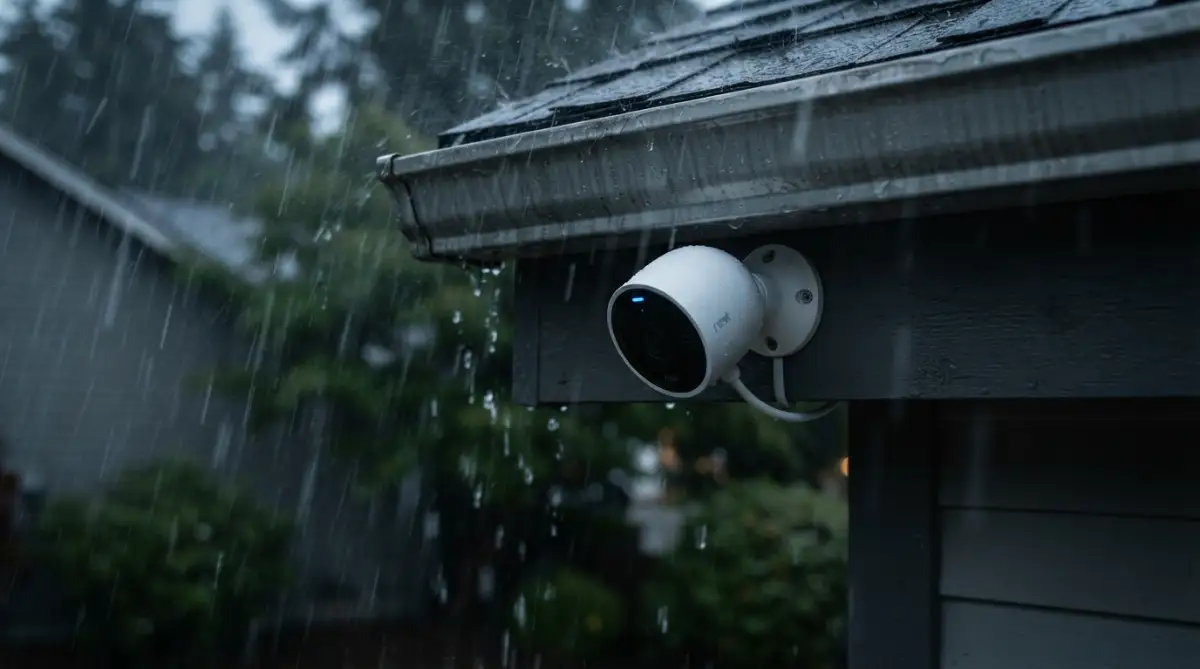
Outdoor cameras face a tremendous amount of physical abuse from nature. Heavy rain, baking sun, and freezing ice can quickly destroy electronics that are not properly sealed. When browsing for your new fee-free setup, always check the box for an "IP" weather rating.
An IP65 or IP67 rating ensures that dust and heavy water cannot penetrate the outer plastic shell. Even with this strong rating, it is a very smart practice to install your cameras tucked slightly under the roof line or gutter. This small amount of shade prevents rain from sticking to the glass lens, ensuring your video remains crystal clear during a massive storm.
 How to Handle Software Updates
Even though you are not paying for cloud storage, reliable companies still send free software updates to your devices. These digital updates are incredibly important because they fix tiny bugs and add better security against hackers.
Always turn on the "Auto-Update" feature inside your free camera app. This allows the device to quietly upgrade its own brain in the middle of the night while you are fast asleep. Keeping the software fresh ensures your local-storage vault remains totally locked down and safe from new digital threats.
A Safer, Smarter Way Forward
Taking control of your own security footage is an incredibly empowering feeling. You no longer have to stress about missing payments, losing access to your videos, or compromising your family's deep privacy. By choosing devices that rely on strong local memory and smart on-board chips, you build a protective wall around your home that actually respects your wallet.
The transition might require reading a small manual and buying a good memory card, but the financial freedom is entirely worth the afternoon of effort. You can now relax on your couch, knowing your property is watched over safely, securely, and completely free of endless corporate fees.
Next-Level Strategies for a Flawless, Fee-Free Setup
Now that you understand the massive benefits of keeping your video data completely local, it is time to turn your basic system into a professional-grade fortress. Buying the right hardware is only the first half of the battle. How you actually set up and maintain these devices will determine if they last for a few months or protect your family faithfully for many years.
I want to share some incredibly powerful techniques I learned through trial and error over the years. These simple adjustments will make your local-storage cameras perform even better than the expensive cloud-based alternatives.
Optimizing Your Router for Uninterrupted Streaming
Your home internet router is the invisible heart of your entire security system. Because local-storage cameras rely heavily on your personal network to send instant alerts to your phone, your router must be in top condition. Many people hide their routers inside deep wooden cabinets or behind large televisions, which immediately kills the Wi-Fi signal.
You should always place your router high up on a shelf in a central room of your house. This simple physical move allows the invisible internet waves to flow easily through your walls and reach your outdoor devices. If you take the time to physically elevate your equipment, you will notice a massive drop in video buffering when you check your cameras from work.
Beyond just physical placement, digital safety is equally important for a strong network. You must secure your home Wi-Fi router from hackers by changing the factory default password printed on the back of the box. Creating a unique, strong password ensures nobody else in your neighborhood can secretly connect to your private camera network.
Mastering the Art of Motion Zones
One of the greatest secrets to making an SD card last a very long time is properly managing your motion zones. Almost every modern camera app allows you to draw digital boundaries on your screen. You can tell the camera to only pay attention to the front porch and completely ignore the busy public sidewalk just a few feet away.
When you ignore the public sidewalk, your camera stops waking up every time a random person walks their dog past your house. This prevents your memory card from filling up with hundreds of completely useless video clips of strangers. By only recording true threats near your actual doors, a standard memory card can hold months of important security footage.
Properly managing these digital zones also saves an incredible amount of battery power if you use wire-free models. The camera sleeps peacefully until someone actually steps foot on your private property. You can learn more about establishing secure home networks through official government cyber guidelines to keep these smart boundaries safe.
Taking Care of Your Local Memory Vault
Even the highest quality "High Endurance" MicroSD cards need a tiny bit of maintenance to keep running smoothly. Think of your memory card like the engine of a car; it needs occasional attention to prevent unexpected breakdowns. I highly recommend formatting your memory card directly through your camera app every three or four months.
Formatting simply wipes the card completely clean and reorganizes the digital filing system inside the tiny chip. This prevents corrupted files from building up over time and causing your camera to randomly freeze during an emergency. If a card ever completely fails due to a power surge, knowing how to recover deleted files from an SD card can sometimes save your lost footage, but regular formatting prevents this headache altogether.
You should also keep your smartphone clean to ensure the camera app runs smoothly without lagging. If you notice your camera alerts are suddenly arriving late, you might need to stop background apps from draining your phone's processing power. A clean, optimized smartphone ensures your security notifications pop up instantly the moment someone steps on your porch.
The Science of Camera Angles and Lighting
A high-definition camera is totally useless if the sun completely blinds the lens during the most important part of the day. You must think like a professional photographer when mounting your devices outside. Never point a camera directly east or west where the rising or setting sun will shoot straight into the sensor.
Instead, angle your cameras slightly downward to focus heavily on the ground, the driveway, or the faces of approaching visitors. Pointing the lens downward also reduces the amount of bright sky in the background, which helps the camera balance the lighting perfectly. When the lighting is balanced, human faces appear incredibly sharp and recognizable instead of looking like dark shadows.
Pro Tip from My Own Backyard:
Bugs absolutely love the warm infrared lights on night vision cameras. If you mount your camera right next to a bright porch light, spiders will build webs across the lens, sending fake motion alerts to your phone all night long. I learned to wipe a tiny bit of peppermint oil on the outer plastic housing (never on the glass lens) to naturally keep bugs away. It works like magic!
Night vision also requires a bit of smart planning because of the invisible infrared lights the camera uses to see in the dark. If you place a camera right next to a bright white brick wall, the infrared light will bounce heavily off the bricks and blind the camera. Always make sure the camera has a clear, open view without any large, bright objects sitting immediately next to the lens.
 Common Traps That Will Ruin Your Security Setup
I have watched so many friends buy incredible hardware, only to completely ruin their experience by making very simple installation mistakes. These basic errors can turn a powerful security tool into a frustrating plastic paperweight. By avoiding these heavy pitfalls, you guarantee your system actually works when you need it the most.
The Window Reflection Disaster
The most common mistake beginners make is placing an outdoor security camera inside their house, pointing out through a glass window. During the day, this setup actually looks perfectly fine on your phone screen. However, the moment the sun goes down and the camera switches to night vision mode, everything completely falls apart.
The camera turns on its invisible infrared lights to illuminate the dark yard outside. Sadly, glass acts perfectly like a mirror for infrared lighting. The light aggressively bounces off the window pane directly back into the camera lens, leaving you with a completely white, blinded video feed.
If you want to monitor the outside of your home, you must mount the device physically outdoors. If you absolutely must point a camera through a window, you have to find a model that allows you to manually turn off the infrared night vision lights in the app settings.
Ignoring the Software Updates
Another massive pitfall is treating your smart camera like an old, dumb household appliance that never needs an upgrade. Camera manufacturers constantly find new ways to improve the artificial intelligence and block new types of hackers from accessing the video streams. Sadly, many people completely ignore the little red notification badge on their app asking them to update.
Running outdated software on a device that watches your living room is incredibly dangerous for your family's personal privacy. Understanding the real importance of firmware updates is exactly how you keep digital intruders locked out of your life forever. Always take the extra five minutes to let your camera install the newest security patches when the app prompts you.
The "Too High" Placement Mistake
We all want our expensive cameras safely out of reach so thieves cannot easily smash them with a broomstick. Because of this fear, many homeowners mount their cameras extremely high up near the second-story roofline. While this certainly protects the physical hardware, it completely ruins the actual purpose of having a security system.
When a camera is mounted twenty feet in the air, you only capture the tops of people's heads and hats as they walk up to your door. If a package thief strikes, the police cannot do anything with a video showing only the top of a baseball cap. The sweet spot for installation is usually about eight to nine feet off the ground, aiming slightly downward to capture clear, straight-on facial details.
Misunderstanding Your Internet Capabilities
Many frustrated buyers leave angry reviews online claiming their local-storage cameras are heavily delayed or broken. In almost every single case, the camera hardware is perfectly fine; the homeowner simply has a terrible internet connection. When you are fixing slow Wi-Fi around your house, your smart devices immediately begin to feel much faster and more responsive.
If your internet plan is incredibly slow, your camera will struggle to push a heavy, high-definition video through the weak connection to your phone. If you refuse to upgrade an ancient router, you must go into the camera app and lower the video quality from 4K down to standard 1080p. Lowering the resolution slightly makes the video file much smaller, allowing it to easily slip through a slow home network without pausing or freezing.
Trusting Unknown, No-Name Brands
It is very tempting to browse online marketplaces and buy the absolute cheapest camera you can find that promises "no monthly fees." However, buying a security device from an unknown, randomly named company is a massive privacy risk. These cheap cameras often have terrible security software, making them incredibly easy targets for digital snoops.
Instead of saving twenty dollars on a questionable brand, stick to well-known companies that have built a solid reputation for prioritizing user privacy. You can read extensive reports on protecting smart home privacy from reputable consumer advocacy groups to see which brands are actually safe. A highly trusted brand will provide you with a beautiful app, regular safety updates, and customer support that actually responds to your emails.
Your Master Plan for Lasting Peace of Mind
Building a robust, totally free security network around your house is completely achievable for anyone willing to learn a few basic steps. You no longer have to feel like you are being held hostage by massive tech corporations demanding a piece of your monthly paycheck. By investing slightly more upfront in quality local-storage devices, you take total ownership of your personal data and your physical safety.
You have learned exactly how to maximize the life of your SD cards and position your lenses perfectly to catch every important detail. You also know exactly how to avoid the dangerous pitfalls that cause so many beginner systems to fail in the middle of the night. Every single step you take now is building a permanent, digital shield around your family that never expires.
Taking back my privacy and stopping those endless automatic payments was one of the smartest upgrades I ever made for my house. I sleep incredibly well knowing my cameras are working flawlessly outside, totally independent of any corporate server. Go grab a high-quality local storage camera this weekend, set it up properly, and finally experience the joy of truly fee-free protection.
Most Asked Questions About Local Home Protection
Do I still need the internet if I am not using cloud storage?
Yes, you still need an active home Wi-Fi connection for the camera to communicate with your smartphone. While the video saves locally to your SD card offline, the internet is required to send instant motion alerts to your phone while you are away at work.
Can hackers easily access my video clips stored on an SD card?
No, it is incredibly difficult for anyone to access your local SD card remotely. As long as you use a strong, unique password for your home Wi-Fi and your camera app, your local videos are protected by high-level digital encryption.
What actually happens when my camera's memory card gets completely full?
You do not have to worry about climbing a ladder to clear the memory. Modern security cameras use a feature called automatic loop recording. Once the card is completely full, the camera seamlessly deletes the oldest, useless video clip to make room for the newest recording.
Will my local storage camera still record a thief if my power goes out?
If you have a battery-powered or solar-powered camera, it will absolutely continue recording directly to the internal SD card during a power outage. However, your Wi-Fi router will likely turn off, meaning you will not get the instant alert on your phone until the power comes back on.
Are the free apps provided by these companies actually safe to install?
Yes, the free smartphone apps from reputable, well-known camera brands are incredibly safe and heavily tested for security flaws. It is important to always download these apps directly from the official Apple or Google app stores to ensure you are getting the genuine software.
Disclaimer: The information provided in this article is for educational and informational purposes only. Technology and smart home software change rapidly, and we always recommend consulting with a professional before installing major security systems. We are not responsible for any issues arising from individual hardware choices or networking setups. Please always ensure your security devices comply with your local privacy laws.